 foxxcyber/docs
Team & Workload
View the assessor roster, manage members, and balance workload across the team.
The Team page
In the sidebar's Team group, click Team.
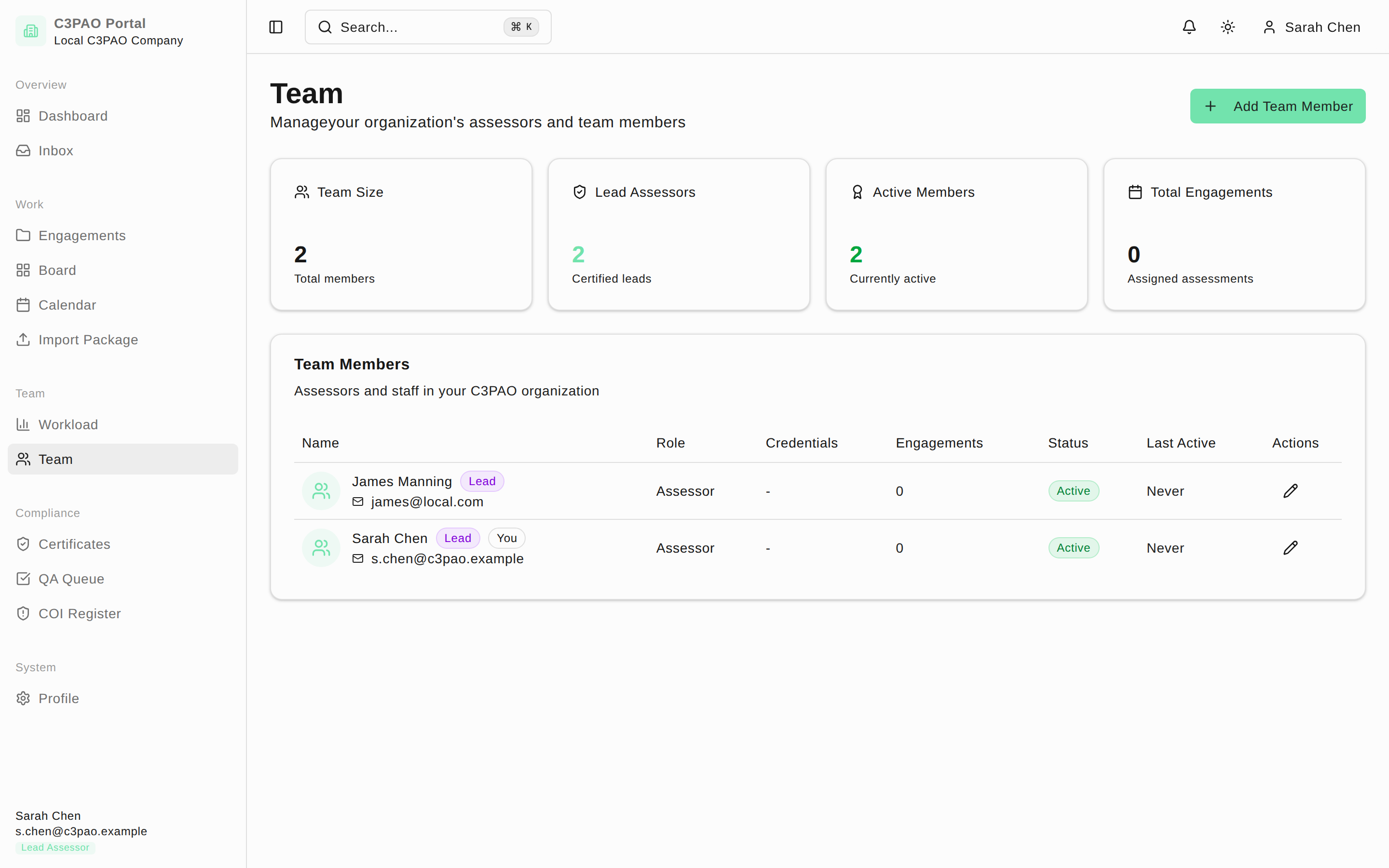
Four stat cards summarize the roster: Team Size, Lead Assessors, Active Members, and Total Engagements. Below them, the Team Members table lists everyone with columns Name, Role, Credentials (CCA/CCP numbers), Engagements, Status, and Last Active. Lead members carry a Lead badge, and your own row is marked You. Clicking a member's engagement count jumps to the Engagements list filtered to their engagements.
Add or edit members (leads only)
- Click Add Team Member in the top-right to create a new assessor account.
- Click the pencil button in a member's Actions column to edit their details.
Assessors without the lead role see the roster read-only, with a note that team management is handled by lead assessors.
The Workload page
Click Workload in the sidebar for the Team Workload dashboard, which shows how assessment work is distributed across team members.
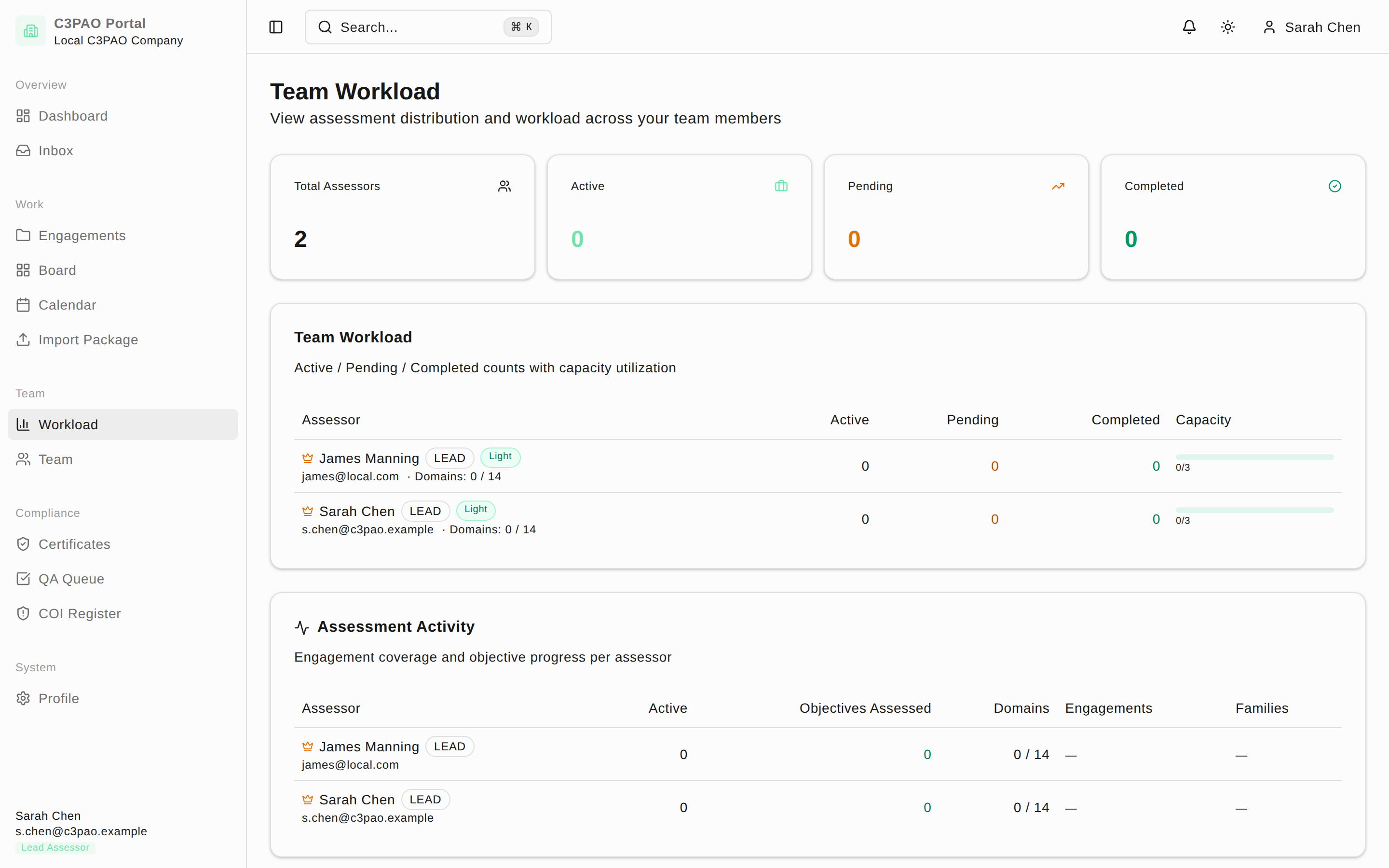
Per-engagement team assignment
Assigning assessors to a specific engagement — including control-family (domain) assignments — happens on that engagement's Planning tab, not here. See Pre-assessment readiness.