 foxxcyber/docs
API keys
Bearer credentials for scripts and AI agents that use the /api/v1 API — how keys are scoped, shown once, rotated and revoked.
Bedrock RMF has a small HTTP API under /api/v1/* so that scripts and AI
agents can read control work and start it, without a browser session.
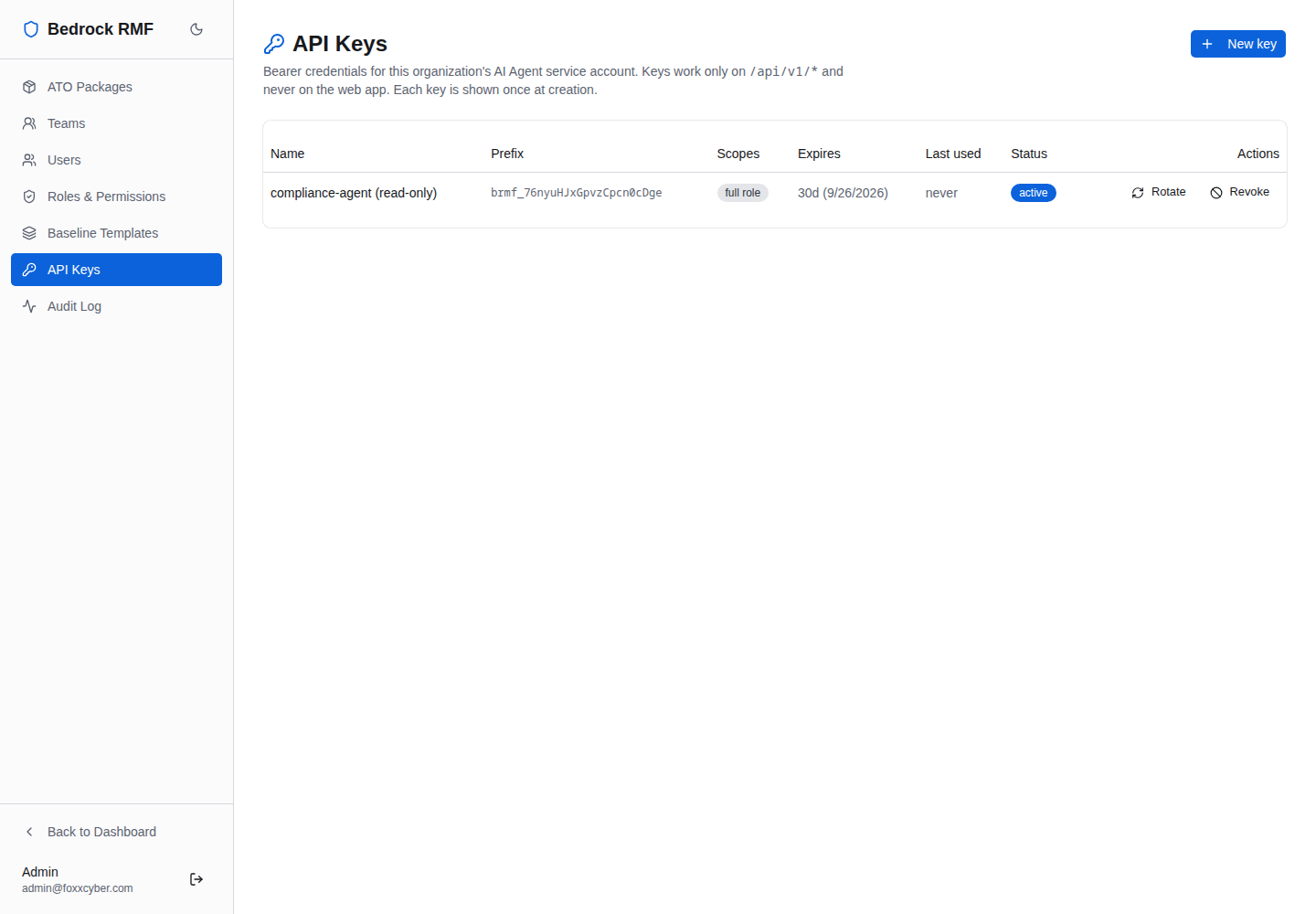
Access is by API key, managed under Admin → API Keys: Bearer
credentials for this organization's AI Agent service account. Keys work
only on /api/v1/* and never on the web app. Each key is shown once at
creation.
What a key is allowed to do
A key does not act as you. It acts as the team's AI Agent service user — the account named AI Agent (Team name) that was created with the team, holding the ISSO role. The key's effective permissions are therefore the intersection of two things:
- what the ISSO role may do (see Users, teams and roles), on the packages that team owns; and
- the scopes granted to the key itself.
Tighten either to tighten the key. A read-only reporting script needs a
key with only read scopes; a key that starts control implementations
needs create or update on that resource, and nothing else.
Keys inherit role edits
Widening the ISSO role in Roles & Permissions widens every API key in the workspace at the same moment. Keep that in mind before toggling a permission for a human ISSO's convenience.
Creating a key
Click New key:
- Name — describe the consumer, not the person:
compliance-agent (read-only),ci-poam-sync. - Either tick Full role access, or leave it unticked and choose per-resource scopes (create / read / update / delete / upload / import …).
- Create.
A Copy your key now banner shows the full key once. Store it in
your secret manager immediately; the page will never show it again, only
its Prefix (brmf_…) so you can tell keys apart.
The key table
| Column | Meaning |
|---|---|
| Name | The label you gave it |
| Prefix | First characters of the key (brmf_…), for identification only |
| Scopes | The granted scopes, or full role access |
| Expires | Defaults to 30 days from creation |
| Last used | When the key last authenticated a request |
| Status | Active, expired or revoked |
| Actions | Rotate / Revoke |
Rotate issues a replacement key (shown once, like a new one) so a consumer can be re-pointed without a gap; Revoke ends the key immediately. Both are recorded in the audit log.
Expiry is the default, not a suggestion
Keys expire after 30 days unless you choose otherwise. Build rotation into whatever consumes the key rather than issuing long-lived ones — the Last used column tells you which keys are actually alive.
Using a key
Send it as a bearer token to /api/v1/* endpoints:
curl -H "Authorization: Bearer brmf_…" https://rmf.example.com/api/v1/…Requests with a key against the web application's own routes are rejected; the key is only valid for the API. The endpoints available today let an agent list the controls it can see and start control implementations the UI already exposes; the API grows release by release and is documented in the repository.