 foxxcyber/docs
First Login and Roles
Secure the admin account, understand the six roles, and set up teams and users before creating your first ATO package.
You have a running instance and the generated admin password from the Deployment Quickstart. This page covers the ten minutes of setup that make the install yours: locking the admin account down, deciding who does what, and creating the first team.
1. Secure the admin account
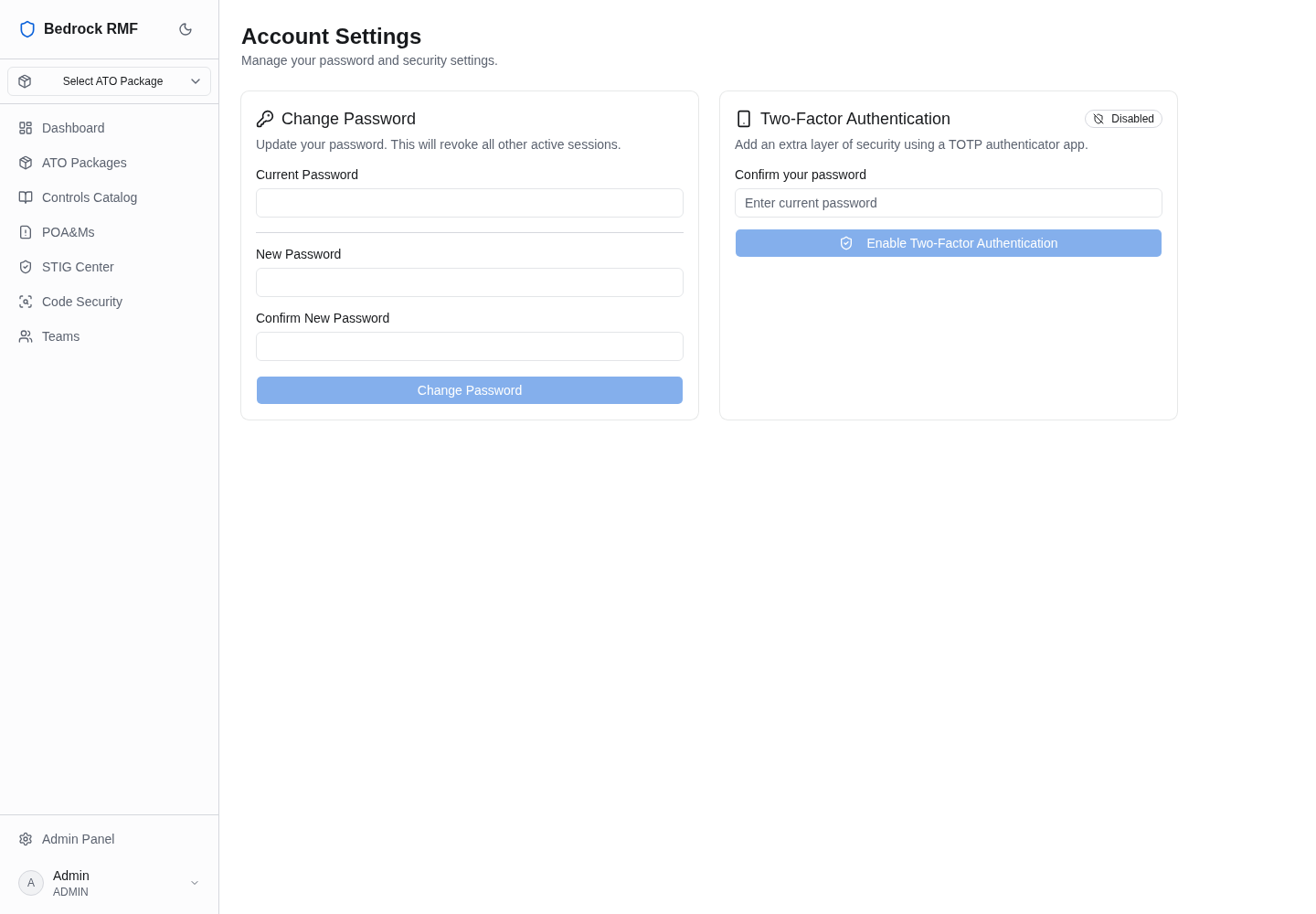
Sign in as the bootstrap admin, open Settings from the user menu, and:
- Change the password. The generated one is in a file on the server; treat it as a one-time secret.
- Enrol two-factor authentication. Bedrock RMF uses TOTP (any authenticator app). Scan the QR code, enter the six-digit code to confirm, and store the recovery codes somewhere safe.
Keep the bootstrap admin as a break-glass account and do day-to-day work as a named user with the role your job actually needs. The audit log records who did what; "admin" is not a who.
2. The six roles
Roles are enforced server-side on every action — not just hidden in the UI — and the matrix is editable under Admin → Roles & Permissions.
| Role | What it is for |
|---|---|
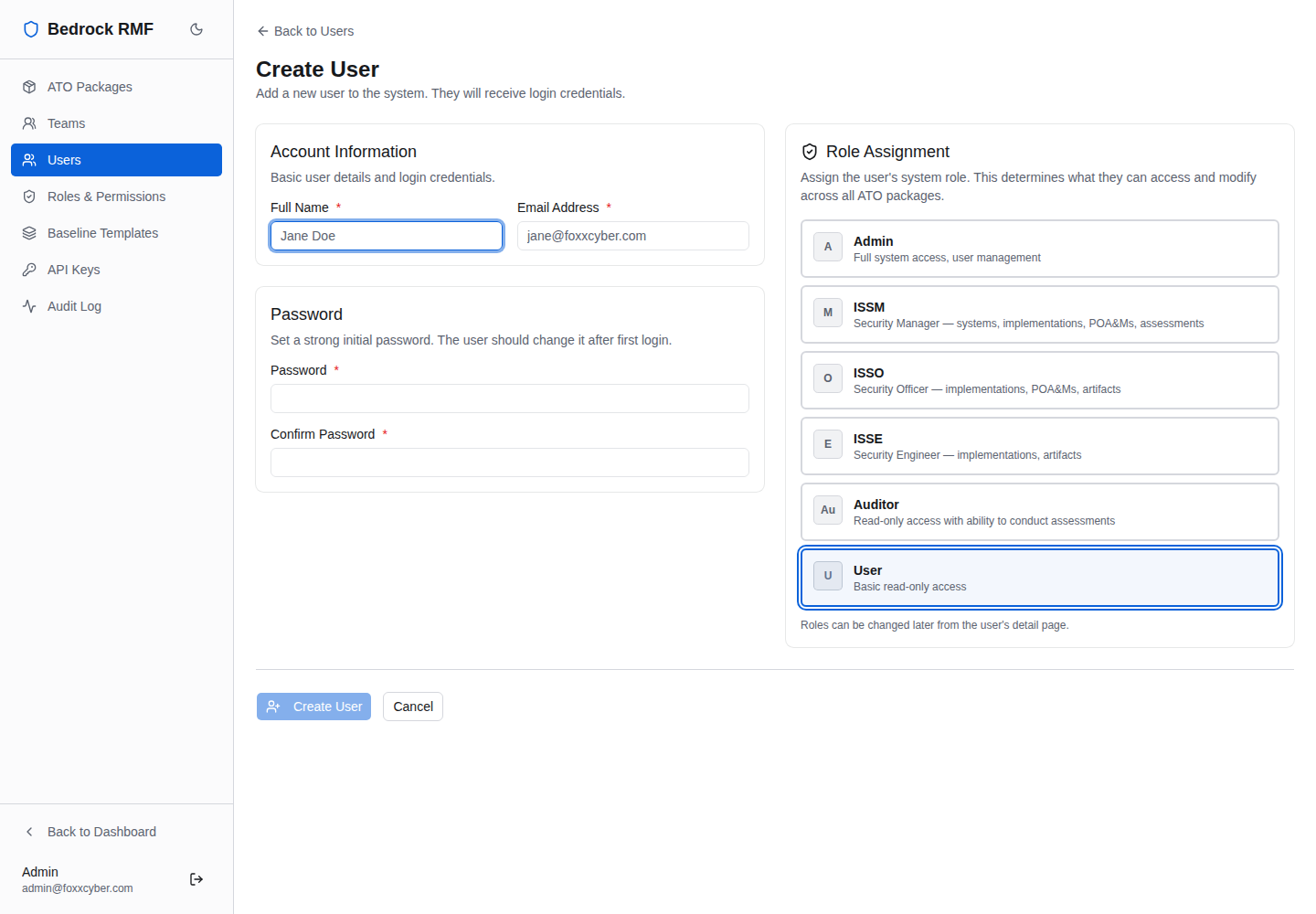
| Admin | Everything, including users, teams, roles, baseline templates, API keys and the audit log |
| ISSM | Full control of assigned packages: implementations, POA&Ms, assessments, artifacts, members |
| ISSO | Day-to-day operations: implementations, POA&Ms, evidence; reads package profiles |
| ISSE | Technical implementation and evidence; no POA&M access, cannot delete evidence |
| Auditor | Read-only across the board, plus conducting assessments |
| User | Authenticated but unprivileged until assigned a role |
A user has one role. Package access comes from team membership: a package belongs to one or more teams, and a user sees the packages of the teams they are in. An ISSO on the "Platform Engineering" team sees Platform Engineering's packages and nothing else.
3. Create teams and users
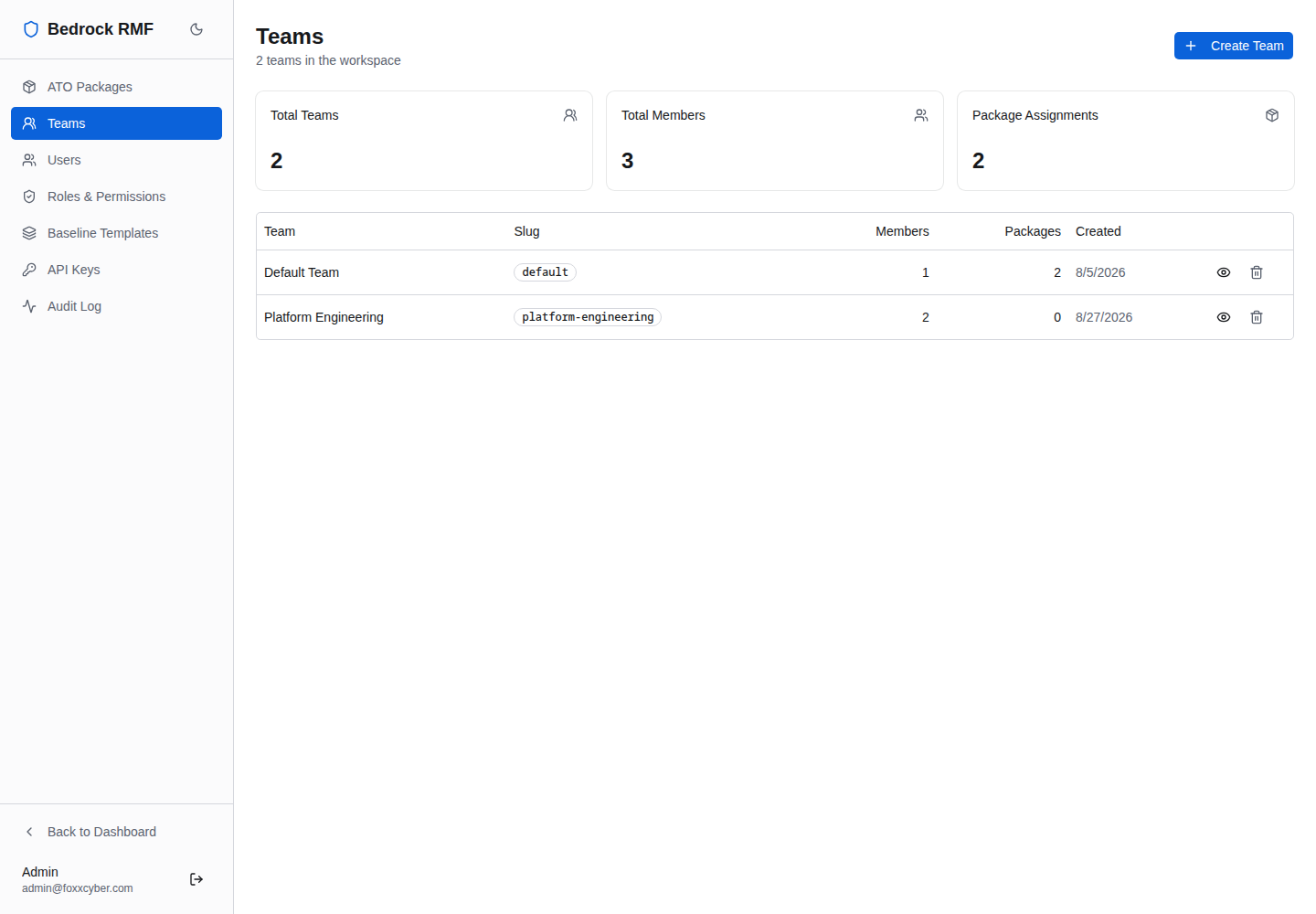
Under Admin → Teams, create a team per organizational unit that owns systems (a program office, an engineering group, a site). The bootstrap created a Default Team so the first package can exist; rename it or leave it.
Under Admin → Users → New user, create each person with their email, a temporary password and a role, then add them to teams. There is no self-registration and no email round-trip: an admin creates every account.
4. Check the baseline templates
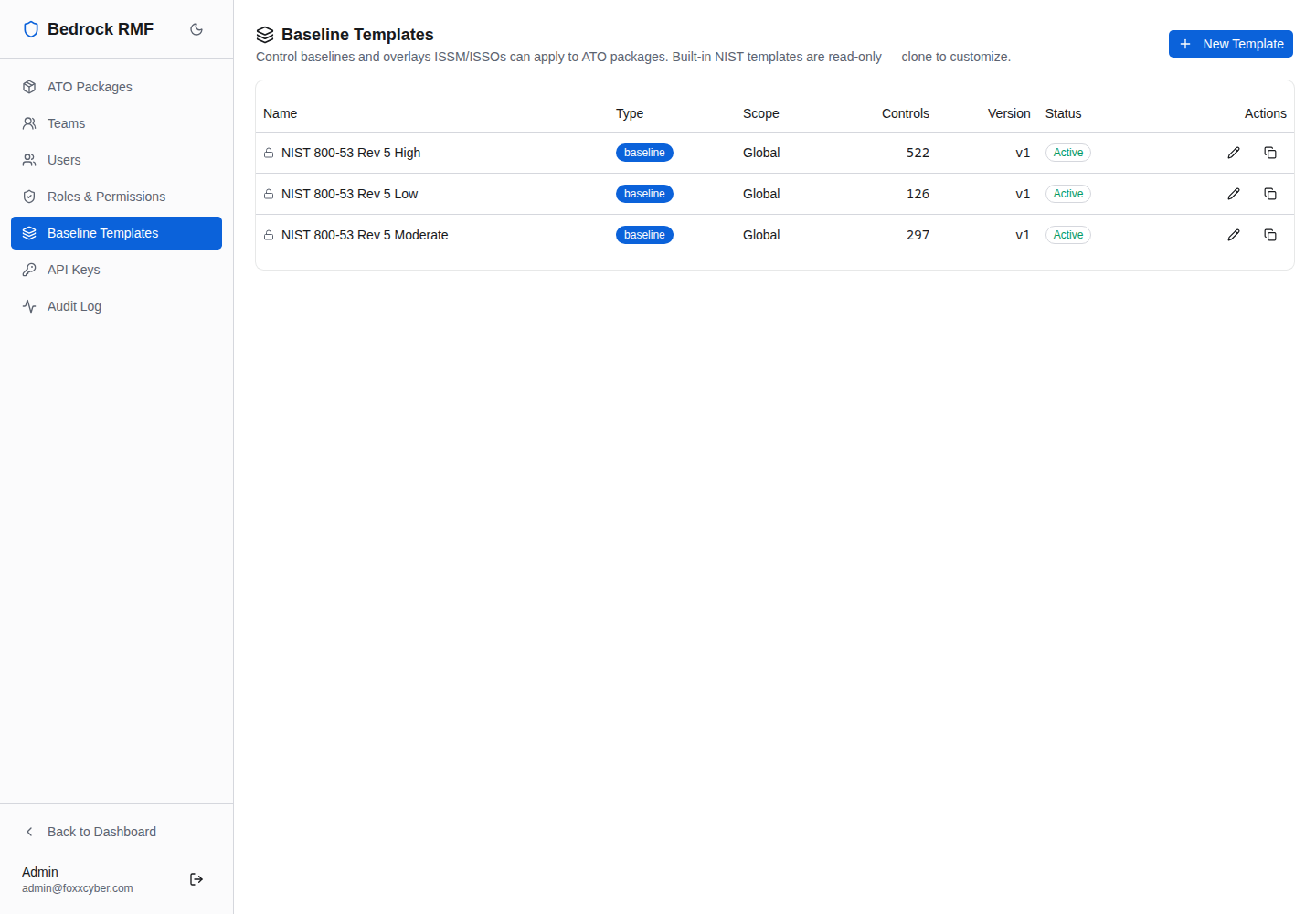
Admin → Baseline Templates holds the LOW / MODERATE / HIGH baselines and the overlay templates that drive control selection when a package is created. The defaults follow NIST SP 800-53B; edit them if your authorizing official has a tailored baseline.
5. Create the first package
You are ready for Creating an ATO package.
Where things are
- Dashboard — workspace-wide status: package authorization states, open POA&Ms, recent activity.
- Packages — every package you can see; each opens into its own workspace (profile, SCTM, POA&Ms, evidence, inventory, PPSM, cloud services, diagrams, documentation, STIG, assessments, activity).
- Catalog — the NIST SP 800-53 Rev 5 catalog with CCIs, independent of any package.
- POA&Ms — all plans of action across your packages.
- STIG Center — benchmarks, hosts and controls across every package.
- Code Security — GitLab scan tracking and triage.
- Teams — the teams you belong to.
- Admin — users, teams, roles, packages, baseline templates, API keys, audit log (Admin role only).