 foxxcyber/docs
Importing STIG checklists
Upload a .cklb checklist into a package, review the import plan, and understand how hosts bind to your hardware inventory and how re-imports create revisions.
A STIG checklist is the record of a host being evaluated against a DISA Security Technical Implementation Guide — every rule, its severity, and whether it was found open. In Bedrock RMF you import checklists into a package, and from that point the findings feed the package's STIG posture, the control impact view, the POA&M queue and the derived STIG column in the SCTM. Nothing is typed twice.
What you can import
The import page accepts a .cklb file — the JSON checklist format that
DISA's STIG Viewer 3 and the SCC scanner produce. Export from STIG Viewer as
.cklb (not the older XML .ckl) before uploading.
Before you import: the host must exist
Checklists bind to live hardware assets whose hostname matches the checklist target. If the host named in the checklist is not in the package's HW/SW List, the import has nothing to bind to. Add the host first — see Inventory and PPSM — with a Hostname that matches what the scanner recorded. Until a checklist is imported for it, the host shows as never scanned in the STIG Center's Hosts tab.
Match the hostname exactly
The binding is by hostname. A host entered as web01 will not match a
checklist whose target is WEB01.corp.example.mil; use the name the scan
tool wrote into the checklist.
Importing
Open the package, choose STIG in the sidebar, then Import checklist (or go straight to Checklists → Import a STIG checklist). The page says what it means: Upload a .cklb file. Nothing is saved until you review what it will do.
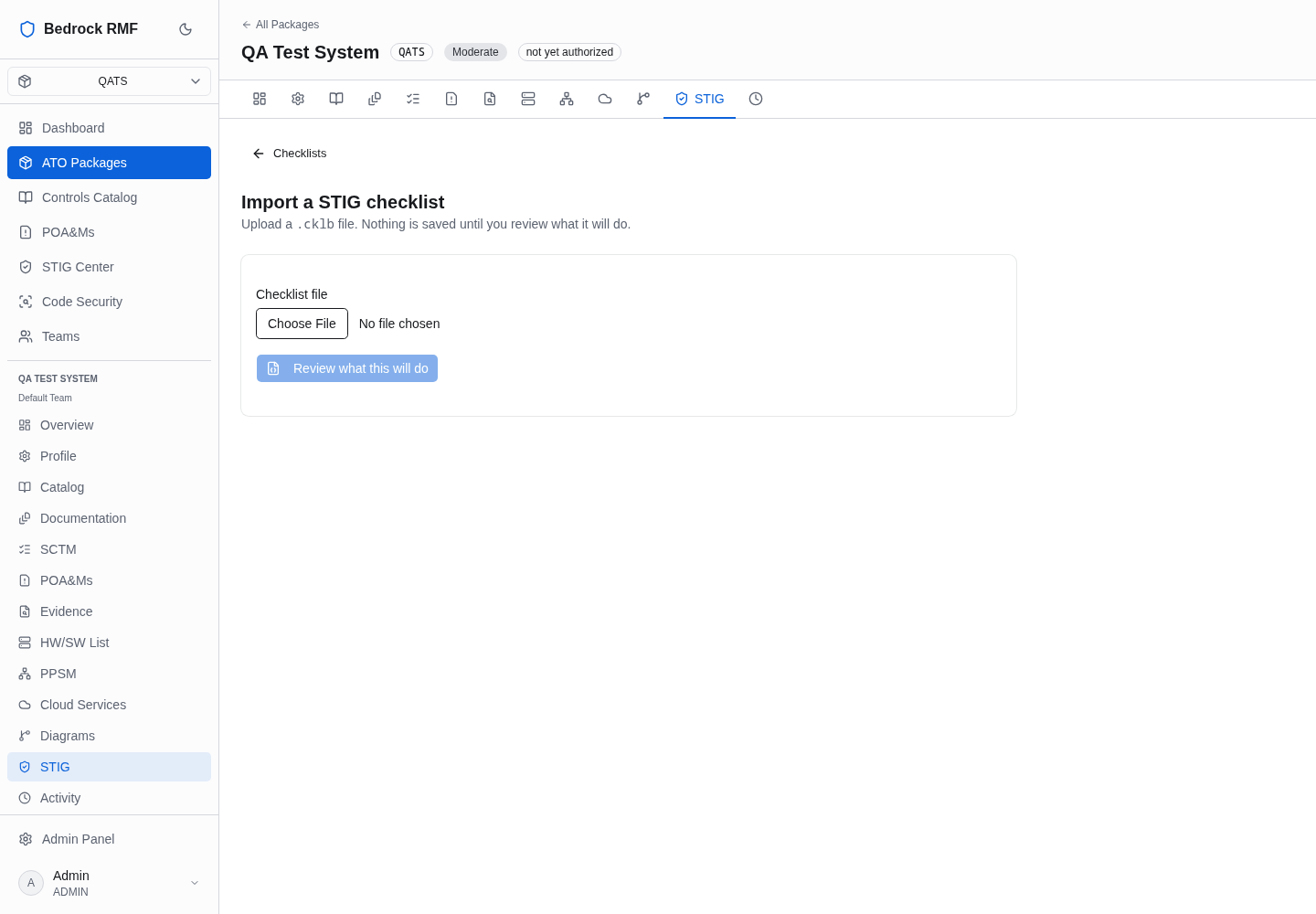
- Choose the file in Checklist file.
- Click Review what this will do. Bedrock RMF parses the checklist and shows an import plan: which inventory host it matched, whether this is a new checklist for that host and benchmark or one that supersedes an earlier import, and the rule counts it will record.
- Confirm. Only then is anything written.
If the plan shows no host match, cancel, fix the inventory, and review again — there is no partial import to clean up.
Re-imports and revisions
Importing the same benchmark for the same host again does not overwrite the earlier checklist. It creates a new revision and marks the previous one superseded. The posture page shows the current revision per host and offers Show superseded (n) to see the history, and the open-findings-over-time chart replays every import so a re-scan moves the line rather than inflating it.
That revision history is what lets you show an assessor the burn-down: the scan from last quarter, the fixes, and today's checklist, all against the same host.
After the import
The checklist is live immediately:
- STIG posture for the package updates its host grid and severity counts — see STIG posture.
- The scan appears under the host on the posture page and opens into the finding-by-finding view — see Reviewing findings.
- Every open finding proposes a POA&M in the queue, and the failing rules are walked to their CCIs and NIST controls in the control impact view — see From findings to POA&Ms.