 foxxcyber/docs
Exporting Package Data
Download a package's GRC data as a multi-tab Excel workbook.
With a package selected, click Export in the sidebar.
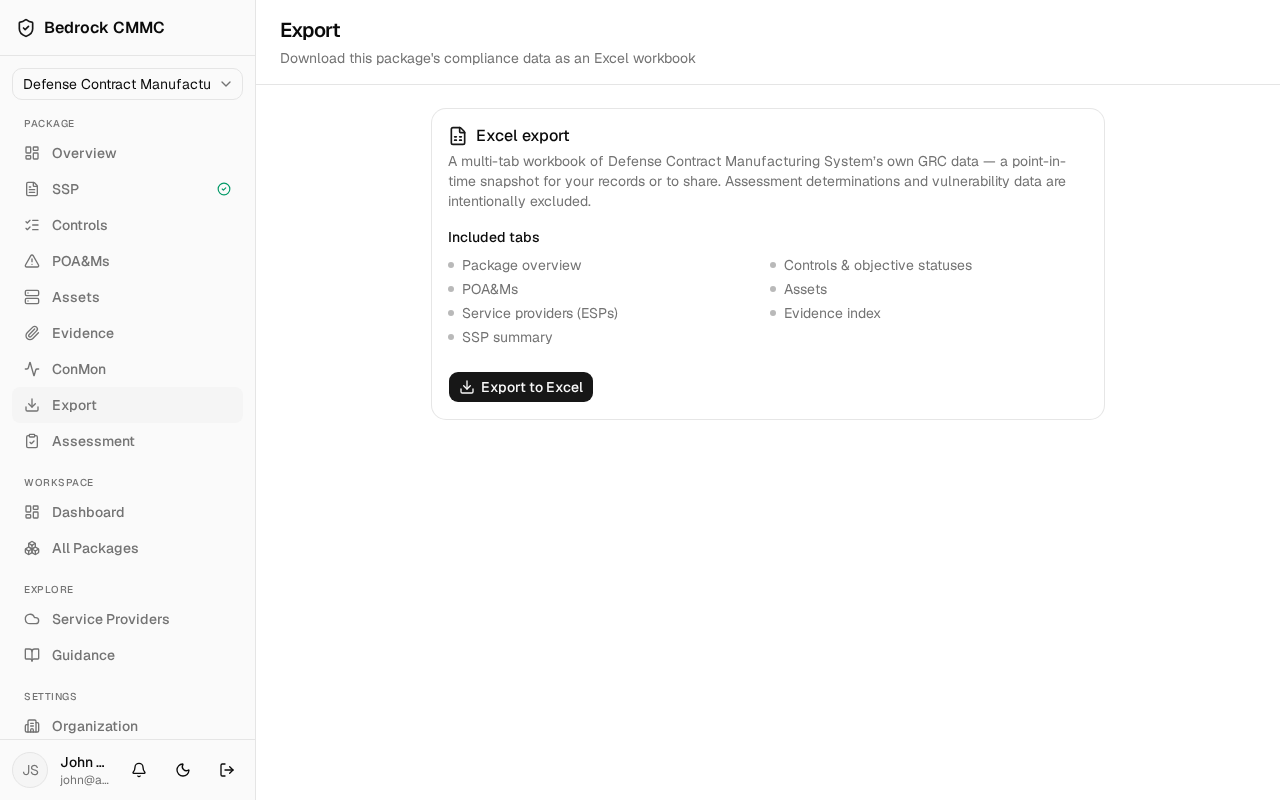
What the export contains
The Excel export card produces a point-in-time snapshot of the package's own GRC data as a multi-tab workbook. The included tabs are listed on the page:
- Package overview
- Controls & objective statuses
- POA&Ms
- Assets
- Service providers (ESPs)
- Evidence index
- SSP summary
Assessment determinations and vulnerability data are intentionally excluded — the workbook contains only your organization's own records, making it safe to keep for your files or share at your discretion.
Steps
- Click Export to Excel.
- The button shows Preparing… while the workbook is generated, then the file downloads.