 foxxcyber/docs
The RP Workspace
Your practice dashboard, client list, and working inside a client's package.
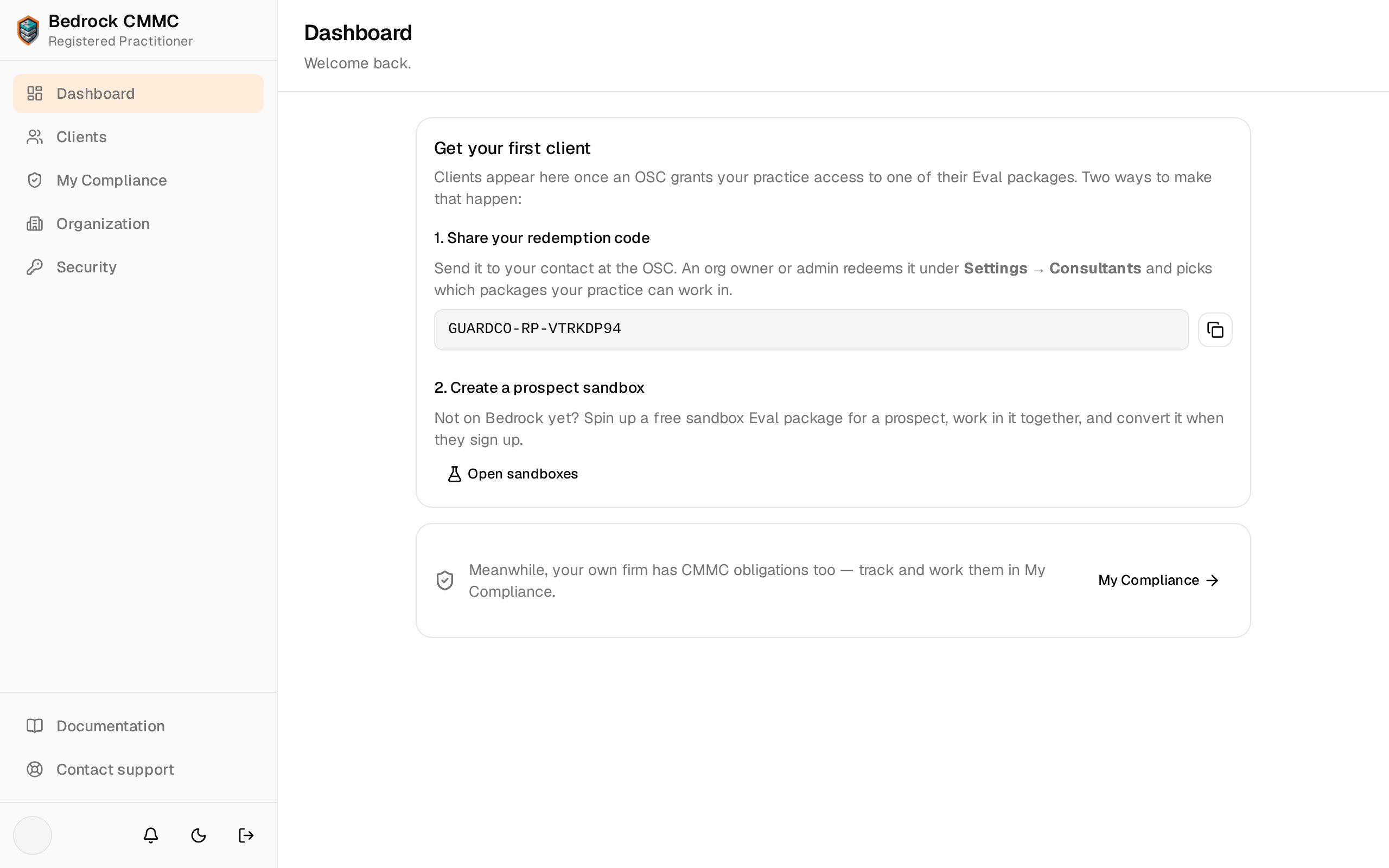
Registered Practitioner (RP) firms sign in on the RP tab of the login page. The RP sidebar is its own compact navigation — Dashboard, Clients, My Compliance, Organization, and Security — under a header reading Bedrock CMMC / Registered Practitioner. There is no package selector; you work across many clients' packages instead of one organization's.
The dashboard
Dashboard summarizes your book of business with stat cards: Clients, Granted packages, Expiring grants (grants expired or expiring within 30 days, highlighted in red when nonzero), and Sandboxes. Until an OSC grants your practice access, the dashboard instead shows Get your first client with the two ways to make that happen: share your redemption code, or create a prospect sandbox.
How an OSC grants access
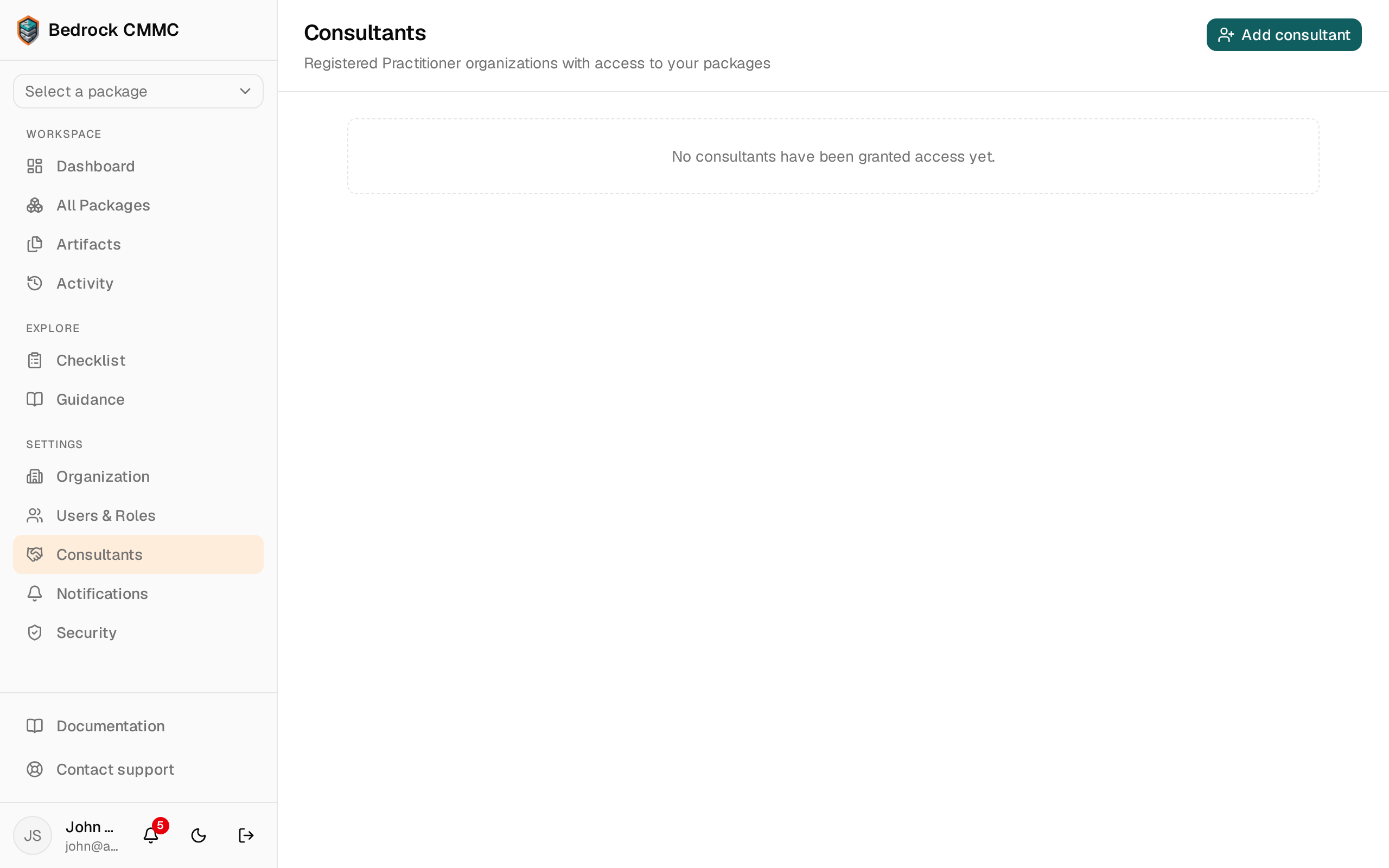
Send your redemption code to your contact at the OSC. An org owner or admin redeems it under Settings → Consultants in their own workspace and picks which packages your practice can work in.
The client list
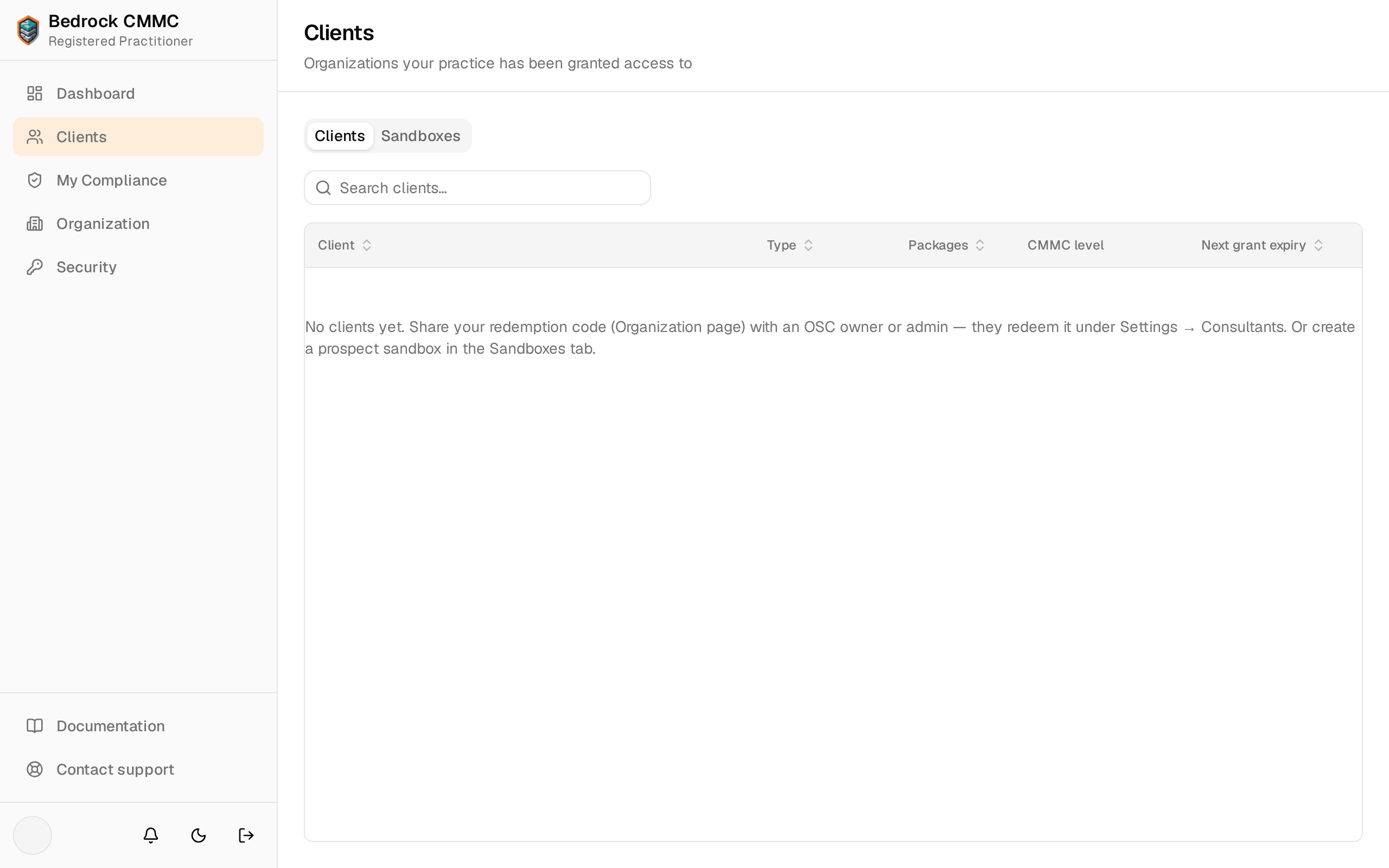
Clients opens a two-tab page:
- Clients — a searchable table of the organizations that have granted your practice access. Click a row to open that client's workspace.
- Sandboxes — your prospect trial environments (see Sandboxes & Your Organization).
Inside a client's workspace
Opening a client shows their name and a Granted packages card listing the Eval packages that client has shared with your practice. Click a package to enter it.
Whenever you are inside a client's data, an amber banner pinned to the top reads "Acting on behalf of client name". You are working directly in the client's live package — every change you save is immediately part of their package, exactly as if their own team had made it.
Inside a package, a horizontal tab row navigates its views: Overview, Controls, POA&Ms, Assets, Evidence, SSP, ConMon, and Providers. These work like the corresponding contractor pages — you can record objective statuses, create POA&Ms and assets, upload evidence, and review monitoring, subject to your grant.
What you can and cannot see
- You see only the specific packages each client has granted, for as long as the grant lasts. Expiring grants are flagged on your dashboard.
- Organizations that haven't granted you access are entirely invisible — a link to one shows a standard not-found page.