 foxxcyber/docs
How the portal works
The passwordless area where athletes and parents follow the team.
The portal is the athlete- and parent-facing side of Praevio. There is no password to remember and no account to create — a team code and an email address are enough.
Signing in
Go to the portal sign-in page and enter the Team code your coach shared along with your email. The form says it plainly: Enter your team code and email to open your team. No password needed. Press Open my team.
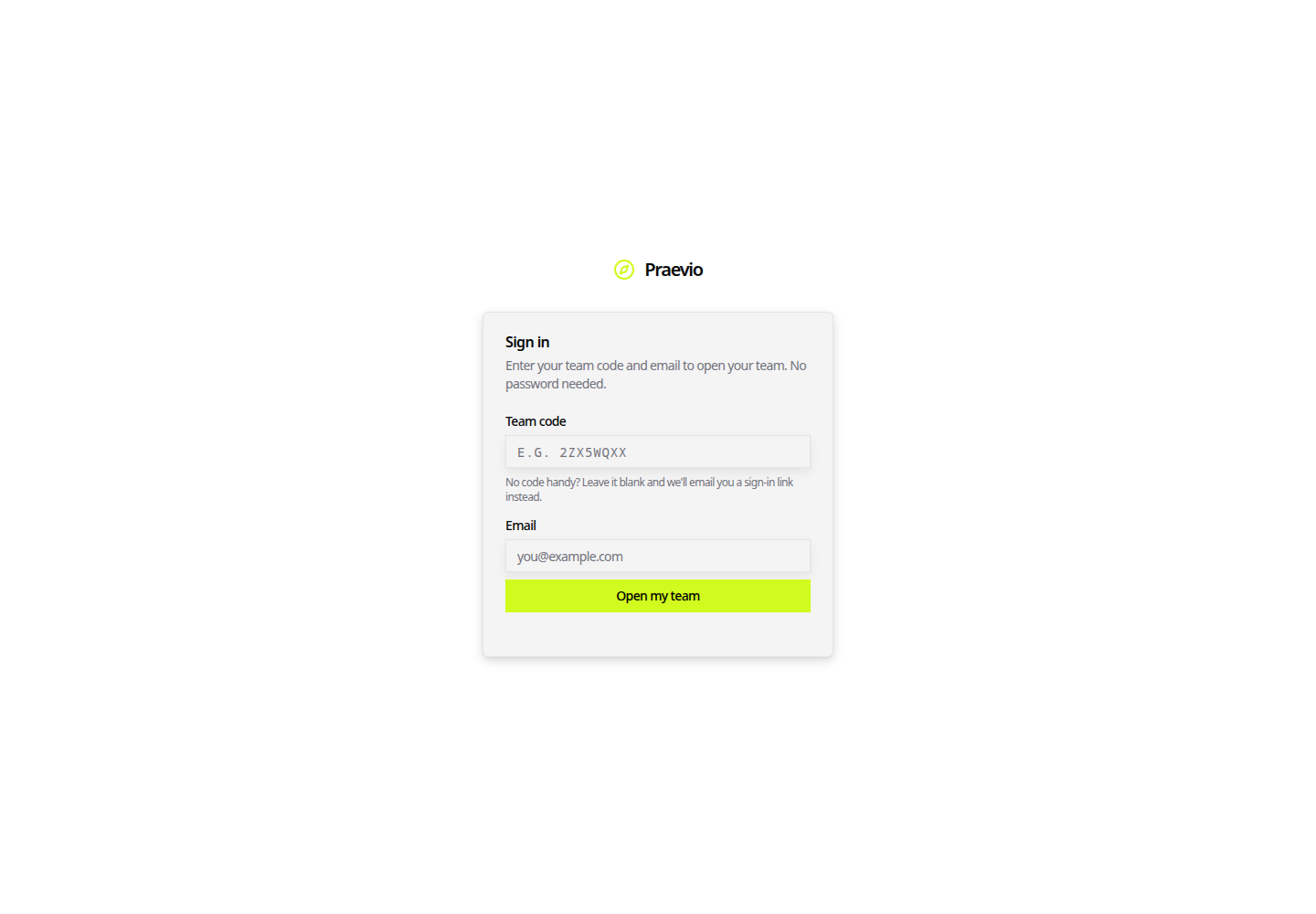
The first time an email is used, Praevio emails a sign-in link and the page shows Check your email. That link is single-use and short-lived — open it on the device you want to stay signed in on. After that first round trip, entering the same code and email signs you straight in.
If you do not have the code to hand, leave it blank and use the Sign in option to have a link emailed instead.
One login, several athletes
A portal login is matched against the email addresses on team rosters — both the athlete's own address and the parent or guardian address. That means one sign-in can cover more than one athlete: a parent with two children on different teams, or an athlete who appears on both a school team and a club roster.
Where more than one athlete is linked, a switcher appears at the top of the dashboard. Choose the athlete and the whole page follows.
The dashboard
| Tab | What it shows |
|---|---|
| Schedule | Upcoming and recent events — practices, meets, games, meetings, tryouts, camps, fundraisers |
| Workouts | Assigned programs, each with a Start button |
| Results | The athlete's own results history |
| Team | Meet scores and team scoring |
| Chat | The team chatroom, shared with the coach |
| News | Announcements the coach has posted |
The Workouts tab appears only for the person who is the athlete — the login matched to the athlete's own email address. A parent sees everything else, but cannot start or log a workout on their child's behalf.
Starting a workout opens the same session logger the coach uses; see Running a live session.
Waivers
When something needs signing, a banner sits above the dashboard naming the document — for example Concussion Protocol Acknowledgment needs your signature — with Sign now. Parents see the athlete's name in the prompt. Each document is presented and signed separately. Full detail is in Signatures & compliance.
Athletic directors
An email listed as a read-only viewer on an organization signs in the same way, but lands on a program overview instead of an athlete dashboard: every team attached to the organization, its coach, roster size, waiver coverage, and upcoming event count. Nothing coach-private is included. See The organization workspace.
Next steps
- Invitations & join codes — how families get in for the first time.
- Installing the app & notifications — put the portal on a phone home screen and turn on reminders.