 foxxcyber/docs
Announcements & chat
Broadcast news to the team, and run the shared athlete and parent chat room.
Two tabs cover team communication. Announcements is one-way and permanent; Chat is a conversation.
Announcements
Click the new-announcement action to open New Announcement:
- Subject (required)
- Message (required)
- Send email to athletes & parents — a checkbox
Click Send Announcement. The announcement is added to the team's feed and, if you ticked the checkbox, emailed to the roster's athlete and parent addresses.
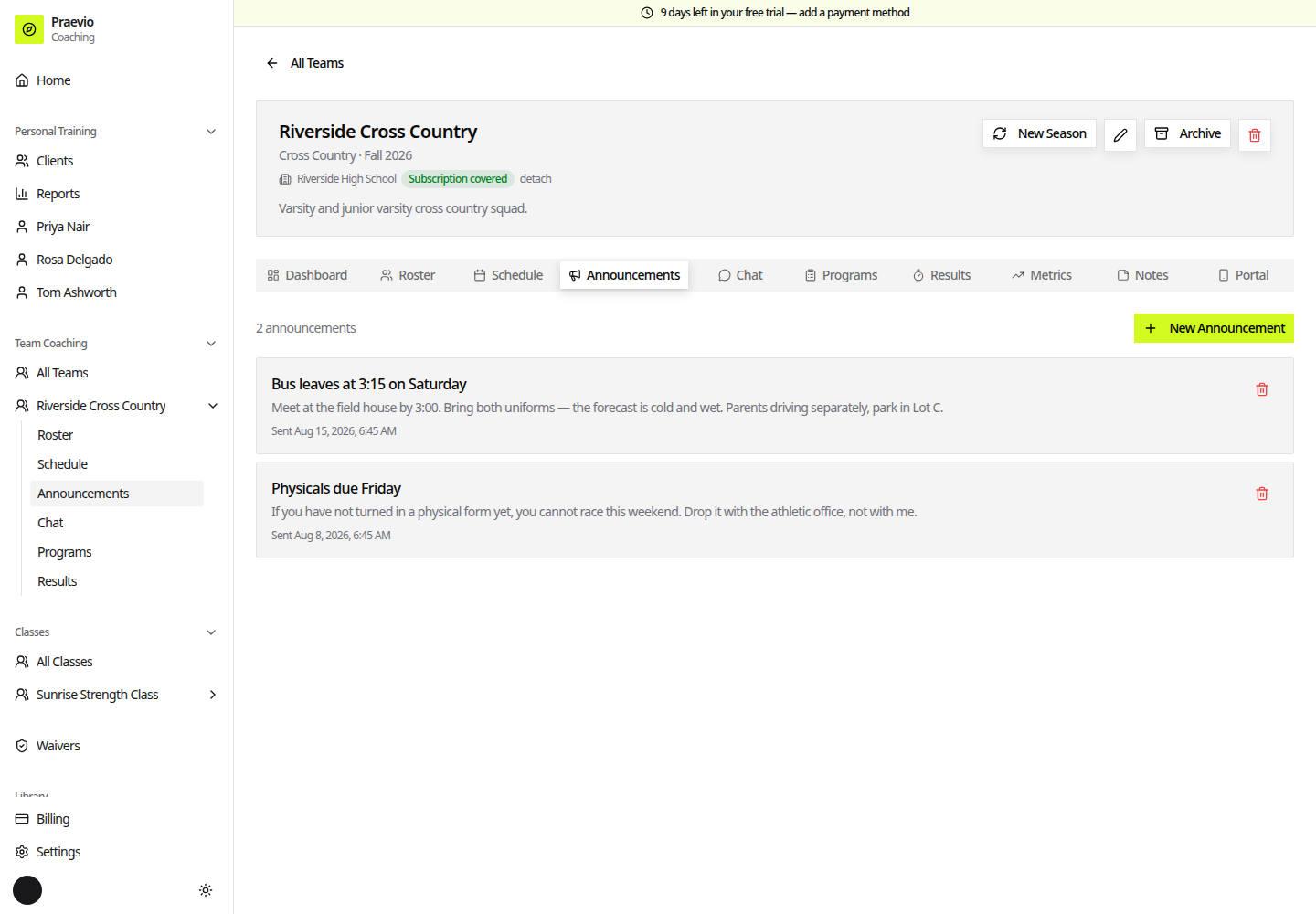
Announcements always appear in the portal's news view whether or not you sent the email, so athletes and parents who prefer to check the app are not left out. Sent announcements stay listed on the tab in reverse order.
Use announcements for things people need to be able to look up later — uniform details, tournament logistics, schedule changes. Use chat for back-and-forth.
Chat
Chat is a single room shared by you, the athletes, and the parents on the roster. Type into Write a message… and send. New messages arrive without a page refresh.
As the coach you can delete any message in the room; a deleted message leaves a marker in place rather than silently vanishing from the thread. The people you coach can post but cannot delete other people's messages.
When a season is archived the chat becomes read-only. The history stays readable — nobody loses the thread — but no new messages can be posted until the season is unarchived.
Personal-training clients
Personal-training clients are not part of the team room. Each client has their own private thread with you, which appears on their dashboard and on their record in the coach app. See Managing clients.