 foxxcyber/docs
Assigning programs
Hand a program to a client, an athlete, or a whole team — and what a snapshot means.
Building a program does not put it in front of anybody. Assigning does. Each program in the library carries its own Assign button, alongside a count of how many people currently hold it.
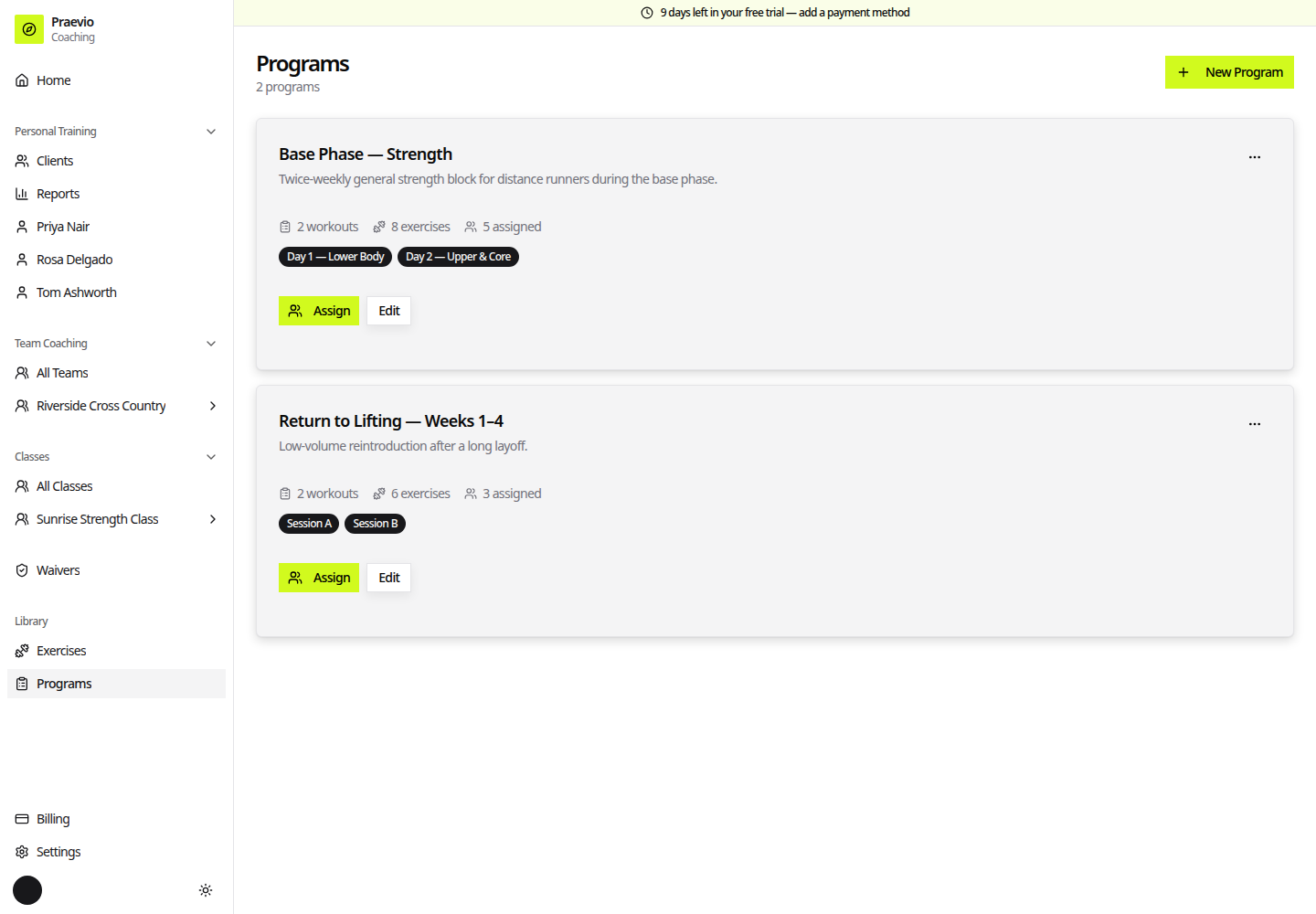
Assigning to a client
From a program, choose to assign it and the dialog opens on Select Client, listing your active clients. Pick one and it becomes Assign Program:
- If the client has health conditions recorded, a warning panel shows their name and those conditions before you go any further.
- Set a Start Date.
- Click Assign, or Back to pick someone else.
Assigning to a team
On a team's Programs tab, the dialog opens on Select Program, then becomes Assign to Team. Set a Start Date and click Assign to Team.
The program fans out to every active athlete on the roster, each with their own copy. The tab then lists the team assignment with a progress count — "N/M athletes started" — and the individual athletes underneath.
Assigning takes a snapshot. Each client and each athlete receives their own frozen copy of the program exactly as it read at the moment you assigned it. Editing the source program afterwards never rewrites work already in progress — which is what stops a mid-season revision from silently changing what someone was told to do last Tuesday. To push a revision, assign the program again.
Assigning to an archived season is refused — unarchive the team first.
Where assignments show up
- For a client — on their Programs tab in the coach app, and on their own dashboard with a Start button per workout.
- For an athlete — on the team's Programs tab for you, and in the Workouts tab of their portal. Only the athlete themselves sees Workouts; a parent viewing the same athlete does not. See How the portal works.
Removing an assignment
Delete a team assignment from the team's Programs tab, or an individual's from their Programs tab. Removing an assignment does not erase sessions already logged against it — that history stays on the person's record.
Next
Running a live session covers what happens when someone opens an assigned workout and starts working.