 foxxcyber/docs
Schedule & events
Add practices, meets, and games, notify families, and pull in the organization calendar.
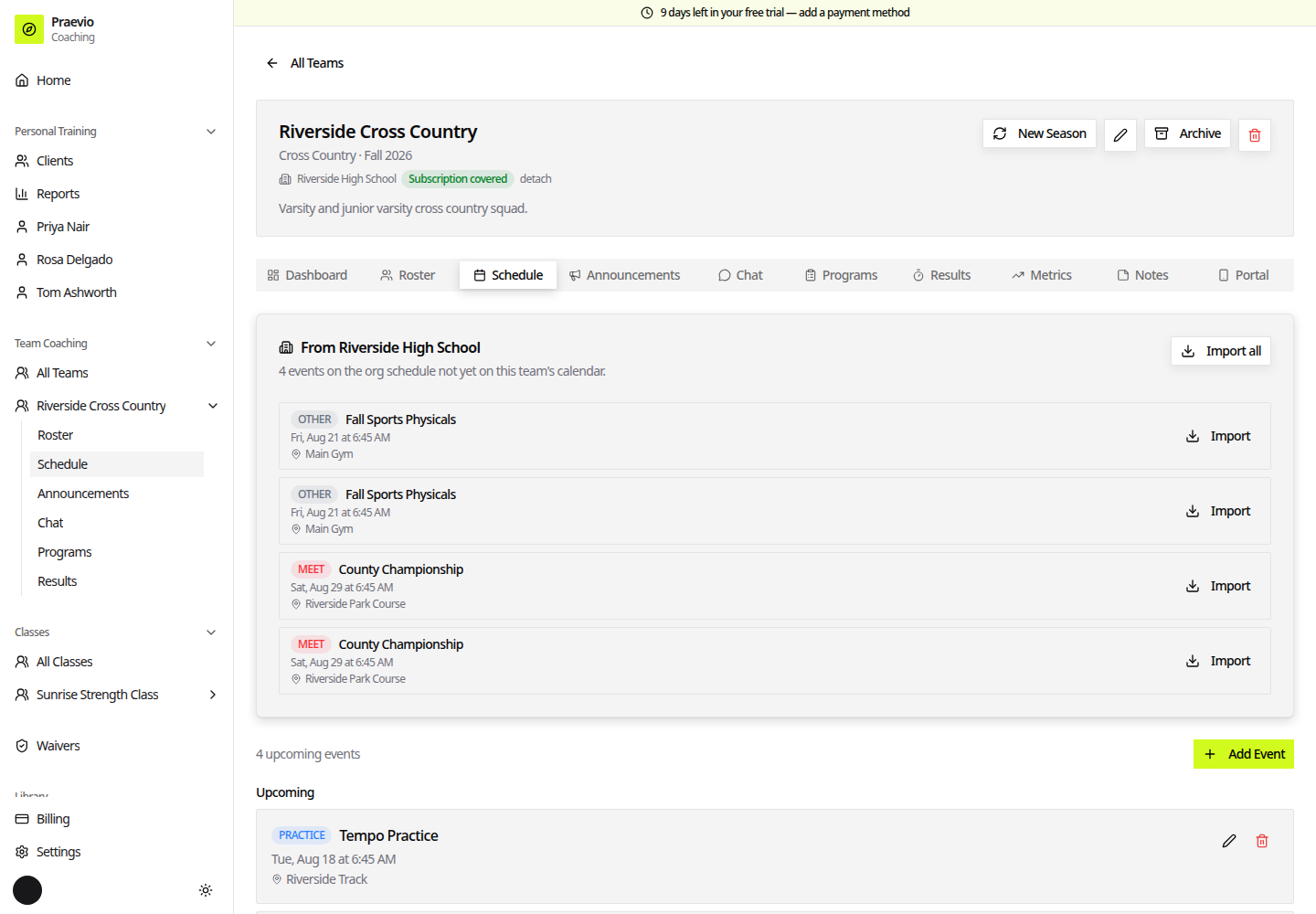
The Schedule tab lists everything on the calendar in two groups, Upcoming and Past. Each entry carries a type badge: Practice, Meet, Game, Meeting, Tryout, Camp, Fundraiser, or Other.
Adding an event
The event dialog has:
- Title (required) — for example, "Practice" or "Game vs. Eagles".
- Type — one of the eight types above.
- Date (required), plus an All day checkbox. Leave it unchecked to set Start Time and End Time.
- Location — for example, "Main Field" or "Gym".
- Opponent — shown for games.
- Description — any additional details.
- Notify athletes & parents via email — a checkbox at the bottom.
On an existing event, that checkbox is relabelled Email athletes & parents about this change and starts unchecked, so correcting a typo in a location does not send the whole roster another email. Tick it deliberately when the change is one people need to know about.
Editing an event reopens the same dialog.
Recording results
Meets and games carry an inline action for entering results, which opens the results entry for that event without leaving the schedule. What you can record depends on the disciplines you have defined — see Results and metrics.
Pulling in the organization schedule
If the team is attached to an organization, a card appears above the schedule headed From plus the organization's name, with a count of events on the organization schedule that are not yet on this team's calendar.
Import them one at a time, or use Import all. Importing copies the event onto your calendar — after that it is yours to edit, move, or delete, and the copy is not overwritten if the organization changes theirs. Nothing is added to your schedule without you asking for it.
Organizations and how teams attach to them are covered in The organization workspace and Sponsored seats.
Reminders
Separately from the notification checkbox, Praevio sends a reminder for events starting within the next 24 hours to people who have turned on notifications in the portal, and each event is only reminded about once. See Installing the app for how athletes and parents enable them.