 foxxcyber/docs
Billing
How the subscription is priced, what the billing page shows, and who manages it.
Click Billing in the sidebar. RailCompliant is priced per locomotive: a flat base subscription plus a charge for each active locomotive on your roster.
Users are unlimited and free. Putting every volunteer, machinist, and contract inspector on the roster — and giving accounts to the ones who need to sign in — never changes the bill. Adding a locomotive does.
Your trial
Signing up starts a 14-day trial. Starting a subscription during the trial requires a card but does not charge it until the trial ends. You are emailed a reminder a few days before that happens.
The billing page
Subscription shows the current Status, when the trial ends, when the current period ends, and the number of Active locomotives (billed).
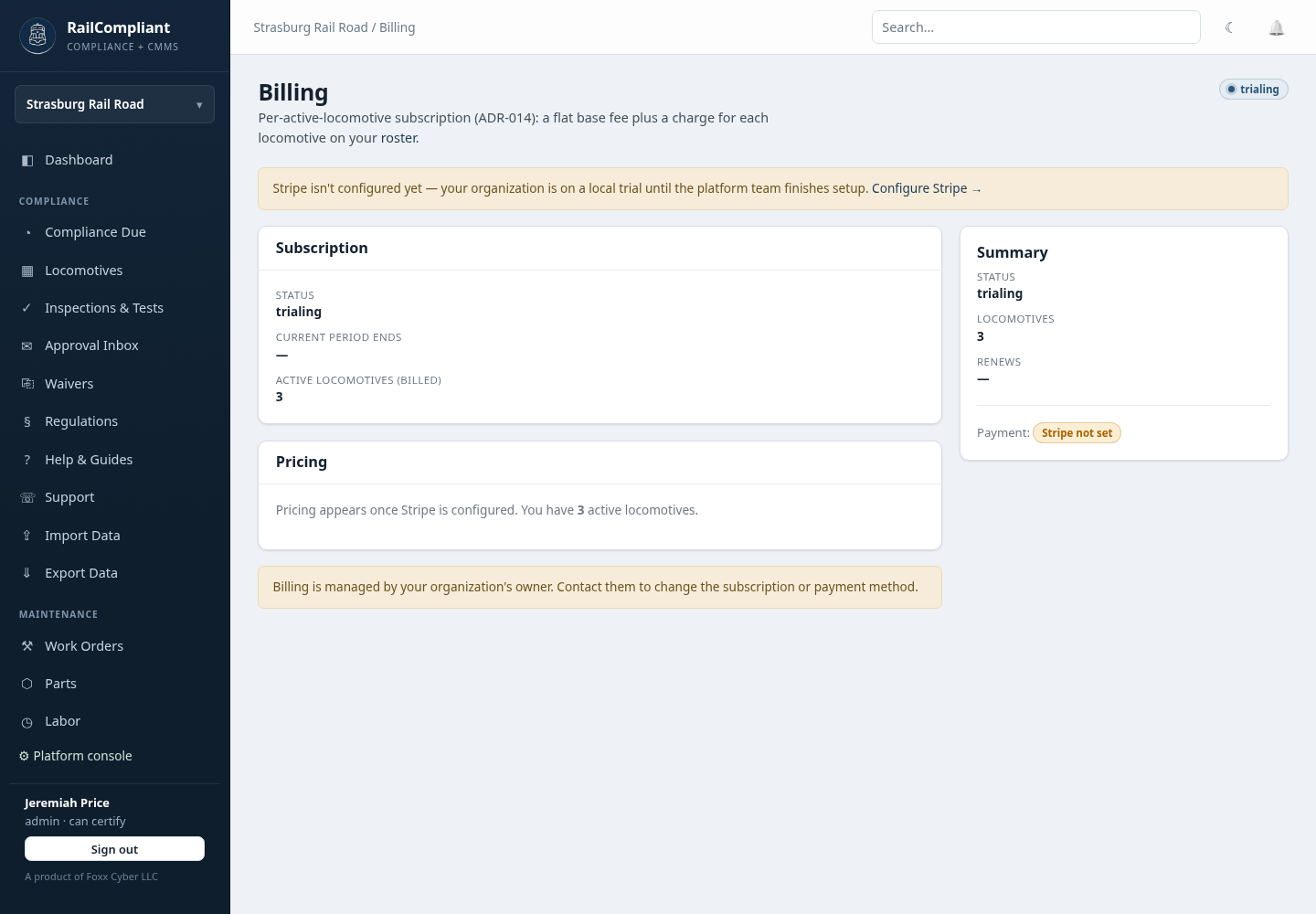
Pricing shows the base fee, the per-locomotive charge, and an estimate for your current fleet size. The exact quantity is billed each period, so adding or removing a locomotive is reflected on the next invoice without anyone adjusting a seat count.
Manage holds the actions:
- Start subscription & add payment method — opens the hosted checkout to enter a card.
- Manage billing & payment method — opens the payment portal to update the card, download invoices, or cancel.
- Cancel subscription — cancels at the end of the current period. Access continues until then.
A Summary card on the right repeats the status, locomotive count, estimate, and renewal date at a glance.
When a payment fails
If a payment fails, the subscription moves to a past-due state and you are notified. Access continues while the card is retried — a failed charge does not lock a railroad out of its compliance records in the middle of an inspection season. Update the card from Manage billing & payment method to clear it.
If the subscription is cancelled, or a trial lapses without a subscription behind it, access is restricted to the billing page until it is resolved. Your records are not deleted; they are waiting.
Your data is exportable at any time regardless of subscription state once you can reach the app — see Importing & exporting data.
Who manages billing
Billing is managed by the railroad's owner account — the person who signed the railroad up. Other administrators can see the billing page, including status and locomotive count, but the management actions are not available to them; the page tells them to contact the owner.
To change which locomotives you are billed for, work the fleet list rather than the billing page: see Locomotives. A locomotive you no longer own should come off the roster; the count follows automatically.
If something about an invoice or a charge does not look right, open a ticket from Help & support.