 foxxcyber/docs
Form templates
The forms inspections are filed on, how they are versioned, and when to edit one.
Every inspection form in RailCompliant is a template. The same screen renders the 31 and 92 service day inspection, the annual, a Part 229 periodic, or a form your railroad writes itself — the difference is entirely in the template, not in the app.
That is what makes it possible to match the FRA form your inspector already knows rather than making them translate it into a generic checklist, and it is what lets a railroad add the extra items it wants recorded without waiting for a software change.
What comes with a new railroad
A new railroad starts with the built-in FRA templates already loaded:
| Code | Title |
|---|---|
| FRA-1 | 31 & 92 Service Day Inspection |
| FRA-2 | Daily Locomotive Inspection Report |
| FRA-3 | Annual Inspection Report |
| FRA-19 | Steam Locomotive Repair Report |
These arrive with the correct fields and citations. Most railroads never need to touch them.
The list
Form Templates sits under Admin in the sidebar. Each row shows the Code, Title, Version, and Status — active templates are the ones offered when someone files an inspection. + New Form creates one.
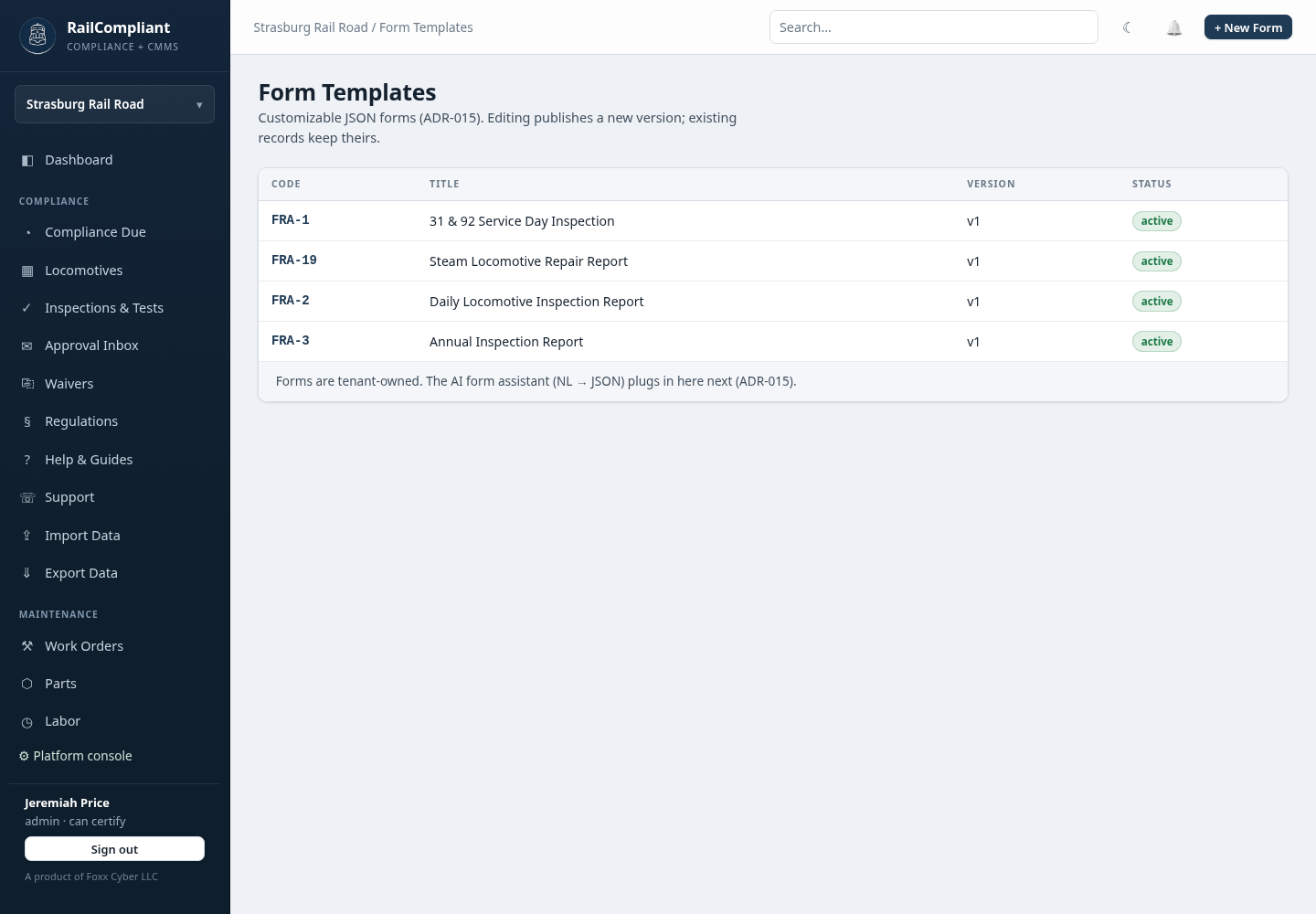
Click a code to view the template, and use the editor to change it. The editor shows the template's definition alongside a live preview that re-renders as you type, so you can see the form an inspector will actually fill in before you save it.
Versioning
This is the part worth understanding before you edit anything.
- Saving changes creates a new version. The template is not modified in place. The new version becomes the active one for that form code and the previous version is retired.
- Inspections keep the version they were filed on. A record filed last spring still renders with the fields, wording, and citations that were on the form last spring.
So history never changes under you. If you add a field today, records filed yesterday do not suddenly show a blank for it, and if you correct a typo in a question, the record that was signed against the old wording still shows the old wording — which is what it was actually signed against.
A template that has already been used by an inspection cannot be deleted. Retiring it instead removes it from the list of forms people can file on, while every record filed against it stays readable.
Editing a template
Every field needs a key, a label, and a type. The available types are the ones described in Recording inspections & tests: condition codes, yes/no/NA, measurements, numbers, dates, text, signature, multi-select, and repeating groups. A template needs a form code, a title, and at least one section; the editor refuses to save one that does not.
Changing a form changes what your inspectors are asked and what your records will contain going forward. Treat it the way you would treat changing a paper form: review the new version, preview it, and tell the people who file on it. For FRA forms, keep the field set aligned with the federal form itself.
Keeping the built-in templates current
The built-in FRA templates are kept up to date for you — new railroads get the current versions, and existing railroads receive templates they are missing. Edits your railroad has made to its own copy are never overwritten by that process, so a customized form stays customized.
This is an administrator-level feature that most railroads will open once, look at, and leave alone. The day-to-day use of forms is covered in Recording inspections & tests.