 foxxcyber/docs
Auditor: read-only paths
What an auditor can see and do: the portfolio, packages, the history on every record, Discover and CSV exports. An auditor changes nothing.
The Auditor role reads. It can see the portfolio and the units and packages in its reach. It cannot edit a package, upload a file, sign anything, or change a requirement. Every change button is simply absent for an auditor.
An auditor's role can be held on any kind of unit: a component, an authorizing area, a program office or an assessor organization. It covers that unit and everything below it.
What you can open
| Where | What you see |
|---|---|
| Portfolio | The same portfolio as the AO, for the unit you choose: standing, calendar, CAT I exposure and so on. See The portfolio. |
| Packages | Every package in reach, with its standing, categorization, authorization and obligations. |
| A package | Every section, read-only: Overview, Standing, Implementation, POA&Ms, Scans, Authorization and the rest. |
| Requirements, Baselines, Guidance | The rules in force and where each came from. |
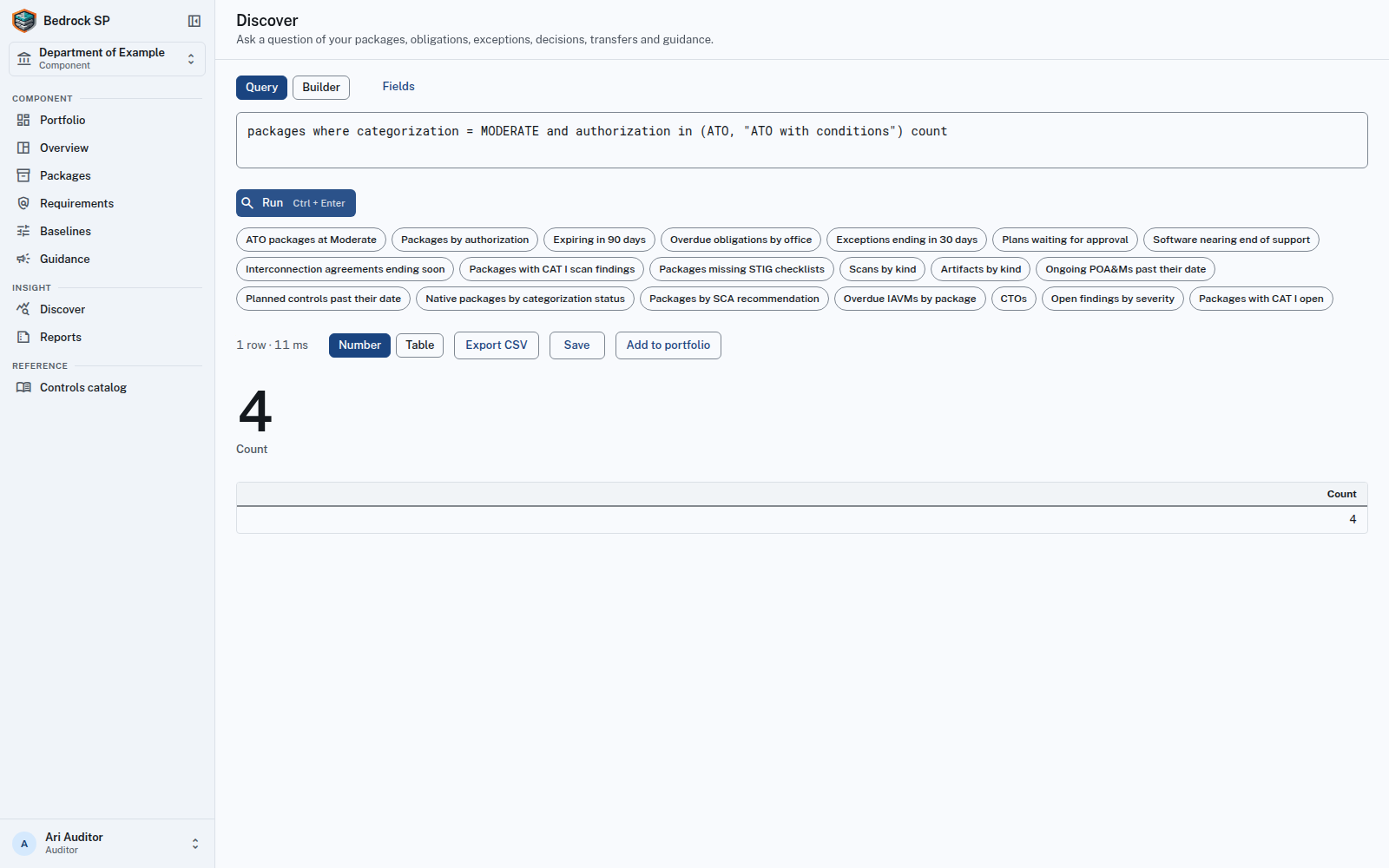
| Discover and Reports | Ask any question you may see the answer to. |
| Controls catalog | The full NIST SP 800-53 Rev 5 catalog with its CCIs and baselines. |
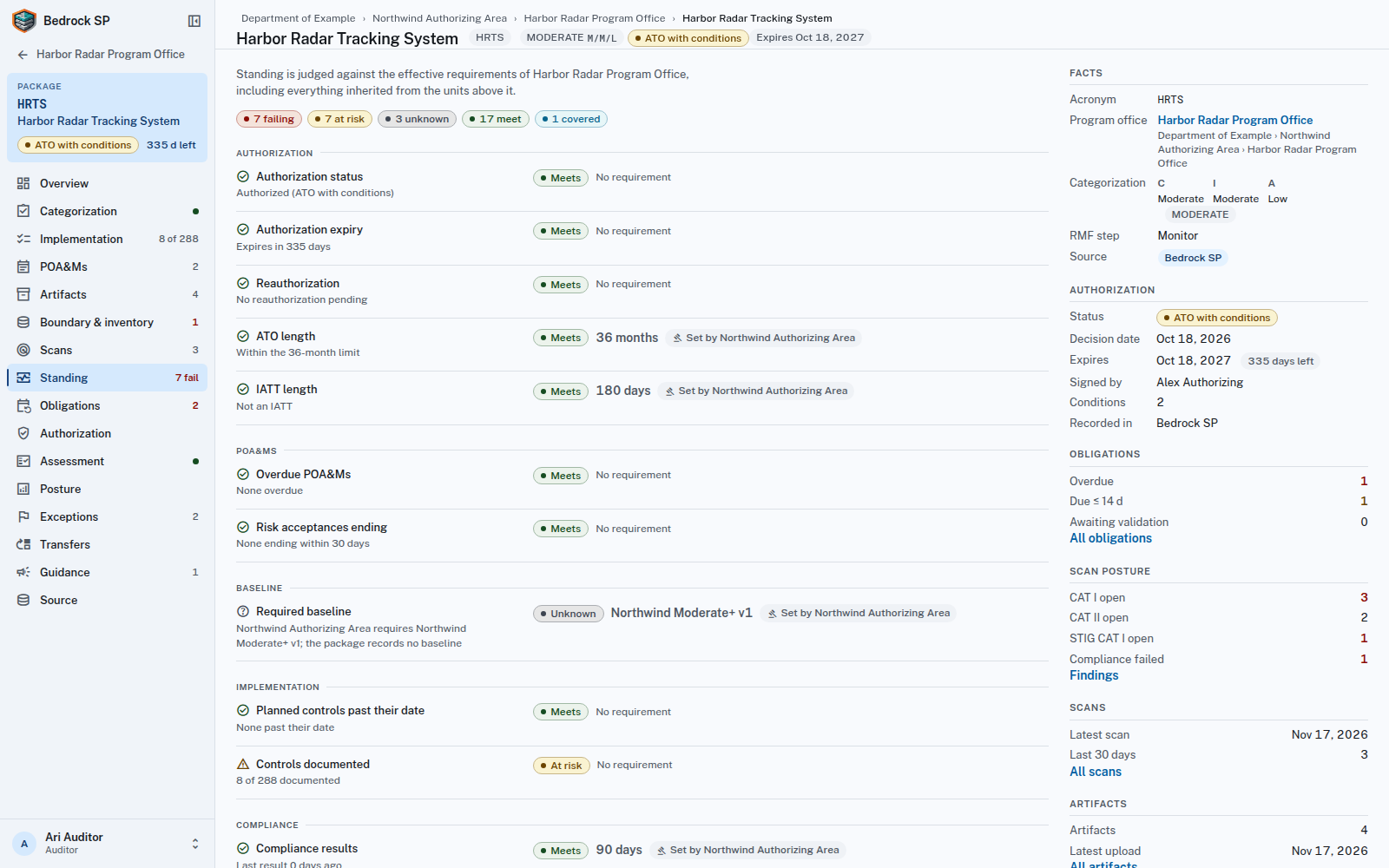
Follow the paper trail
For each decision, exception, transfer and obligation the record shows who did what and when: the History tab or panel lists the action, the person and the note. Signatures are the typed name of the person who signed.
Ask questions with Discover
Step 1. Choose Discover, under Insight.
Step 2. Run a starter or type a query. For example:
exceptions where status = approved and days_left < 30lists approved exceptions that end within 30 days. See Discover and Reports and the query language.
Export
Export CSV on a Discover result downloads it. The inventory tables (Hardware, Software, Ports & protocols, Interconnections) each have Export CSV too. An export contains only what you are allowed to see.
The platform audit log
The role carries the permission Read the audit trail. In this release the Audit log page is part of Administration and opens for platform administrators, so an auditor reads the history on the records themselves, described above.