 foxxcyber/docs
Validating obligations and POA&Ms
Check the evidence a program office submits for an obligation or a POA&M completion, then validate it or return it with a note.
The program office does the work and submits evidence. The assigned SCA team validates it. This is the independent check at the heart of continuous monitoring. Nobody validates their own submission.
Obligations
An obligation is something the program office owes with a due date: a ConMon item, a condition of an ATO, a Cyber Tasking Order, or a POA&M number for a finding.
Step 1. Choose Obligations to validate in My queues.
- You see: Recurring ConMon items and ATO conditions: the PMO submits evidence, the SCA team validates it. The table shows Package, Obligation, Source and State. Awaiting validation is yours.
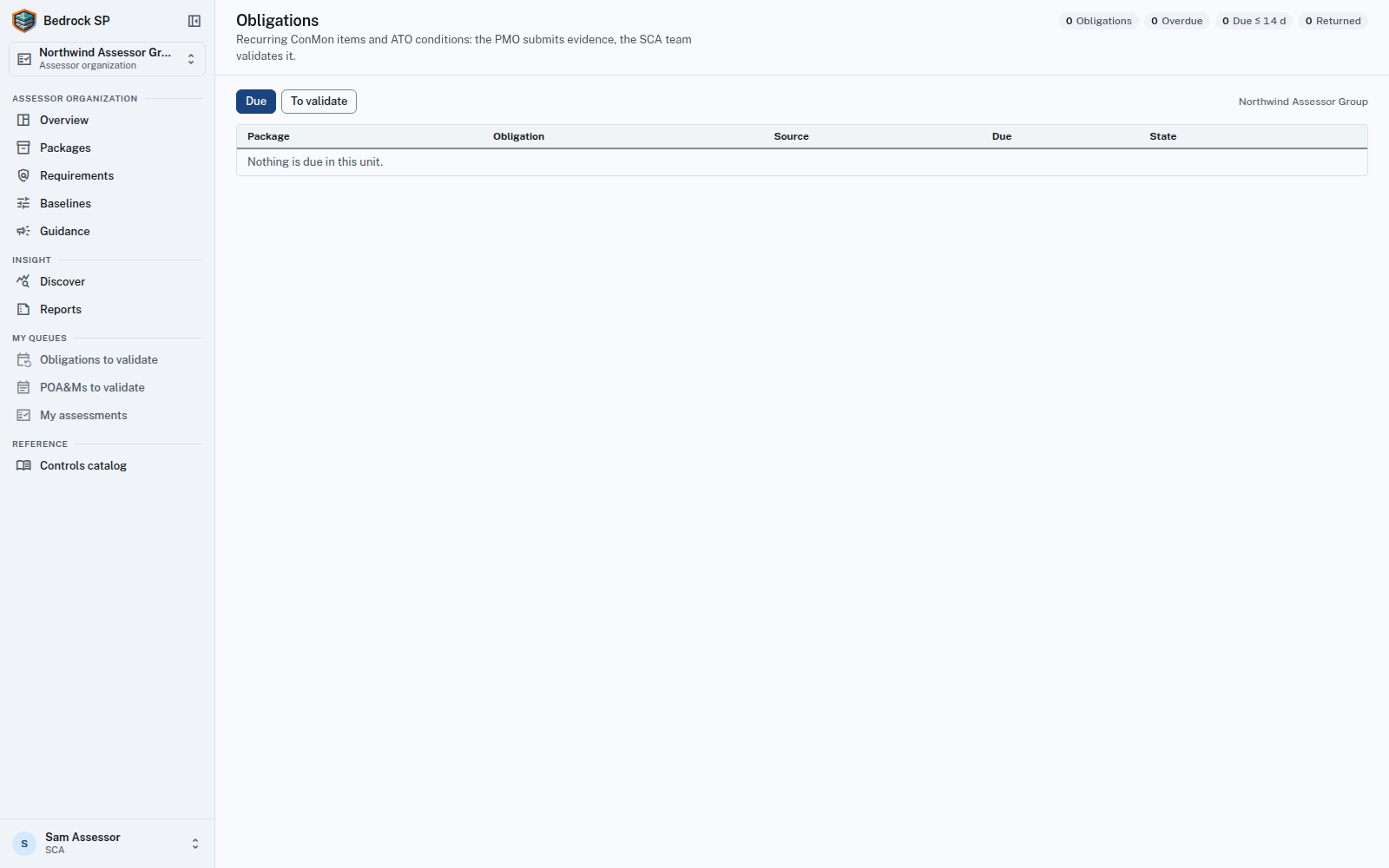
Step 2. Open an obligation (choose its title, or View in the row menu).
- You see: what is expected, what the program office wrote (What you did), any link to the evidence, the files attached and the history.
Step 3. Choose Validate or Return.
- Validate: add a note if you like and confirm. The obligation is Validated. If it recurs, the next one is created from today.
- Return: write what is missing and confirm. The program office sees the note, fixes it and resubmits.
POA&Ms
A POA&M (Plan of Action and Milestones) is the plan to fix a weakness. When the program office finishes one it submits completion evidence.
Step 1. Choose POA&Ms to validate in My queues.
- You see: Completion evidence the program office has submitted, waiting for you to validate or return, with the POA&M, Title, Package, CAT, Submitted by and Submitted.
Step 2. Open a POA&M and read the Completion evidence, the Milestones and the History.
Step 3. Choose Validate or Return and add a note. A validated POA&M is completed.
If no team is assigned
When a package has no SCA team, the AODR, DAO or AO validate in your place.
What the evidence can be
The program office attaches files that are already stored with the package, or uploads new ones, and may add a web link. Files are scanned for malware and every version is kept. See Files and limits.