 foxxcyber/docs
Text size and theme
Make Bedrock SP easier on your eyes: light, dark or system theme and three text sizes, set from the account menu.
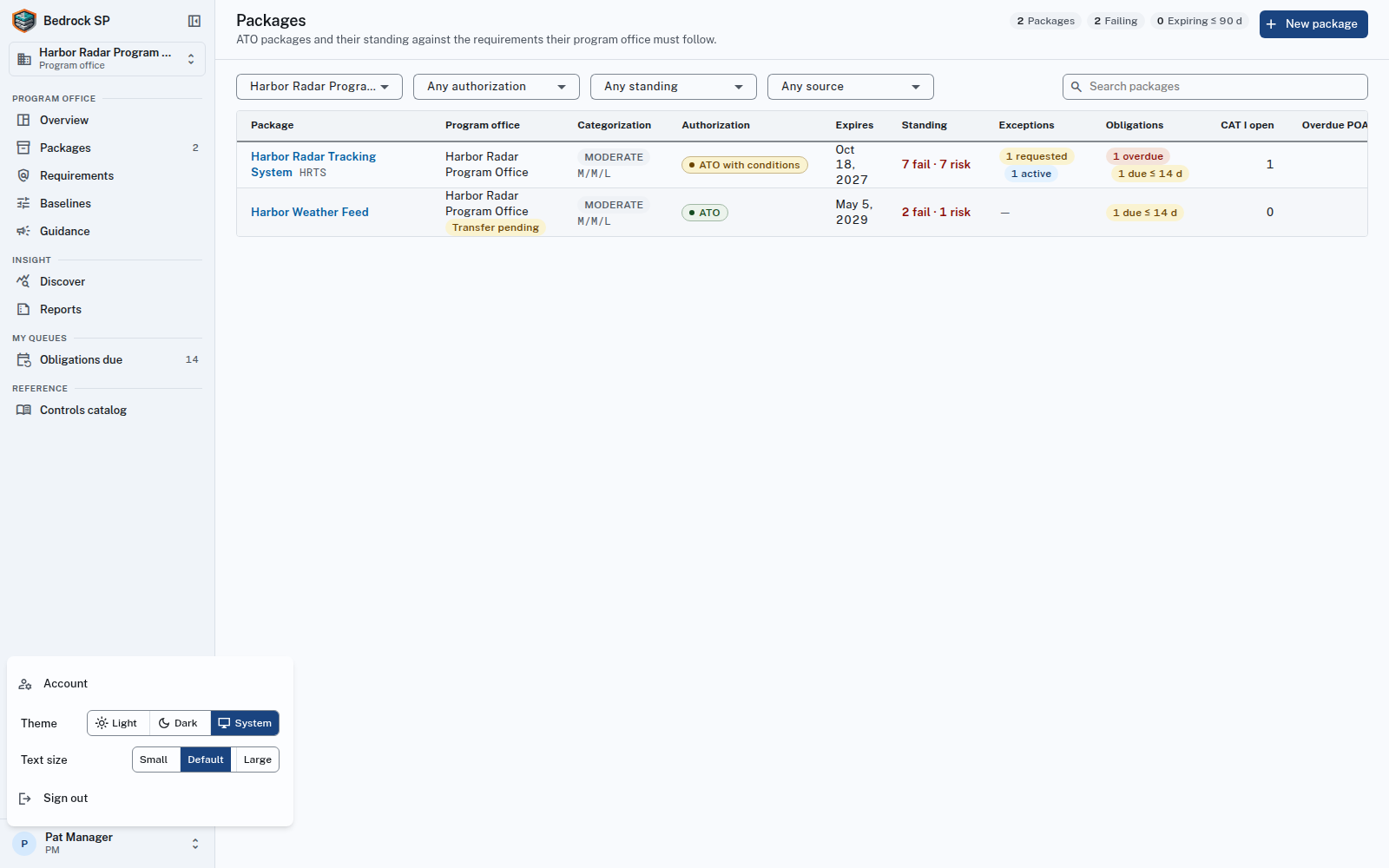
Both settings are in the account menu: choose your name at the bottom of the sidebar.
Theme
Under Theme choose Light, Dark or System. System follows your computer's setting. The choice applies at once and Bedrock SP remembers it in your browser.
Text size
Under Text size choose Small, Default or Large. The whole app scales together, so tables, forms and menus stay in proportion.
Accessibility
Bedrock SP is built to WCAG 2.1 AA and Section 508 in both themes. Every screen works from the keyboard, focus is always visible, and colour is never the only signal: a status always has a word as well as a colour.