 foxxcyber/docs
Data and exports
Download your organization's data area by area or as one zip, and set how long webhook logs, held web-form submissions and export files are kept.
Administration → Data and exports lets you take your data with you: any area as one JSON file, any single table as a CSV file, or the whole organization as one zip. It also sets how long three kinds of short-lived data are kept.
Before you start
- You must be a company administrator. Exports hold all of your organization's data.
- Every export is recorded in the audit log.
Export the whole organization
- Open Administration → Data and exports.
- In Full export, click Start a full export.
- It runs in the background. One export runs at a time; while it runs the button reads An export is running….
- When the status says Ready, click Download.
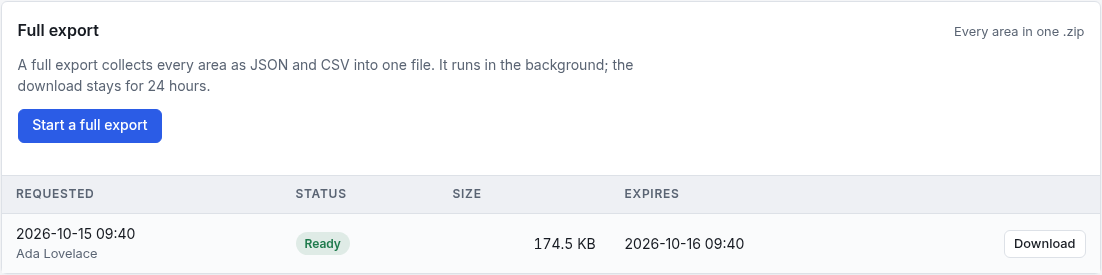
The zip collects every area as JSON and CSV. The download link works for 24 hours by default (see Retention), then the file is deleted and only the record that it was made stays (status Expired). A failed export shows Failed with the reason.
Export one area or one table
- In By area, click an area to open it. It shows how many tables and rows it has.
- Click Download area as JSON for the whole area, or CSV beside a single table.
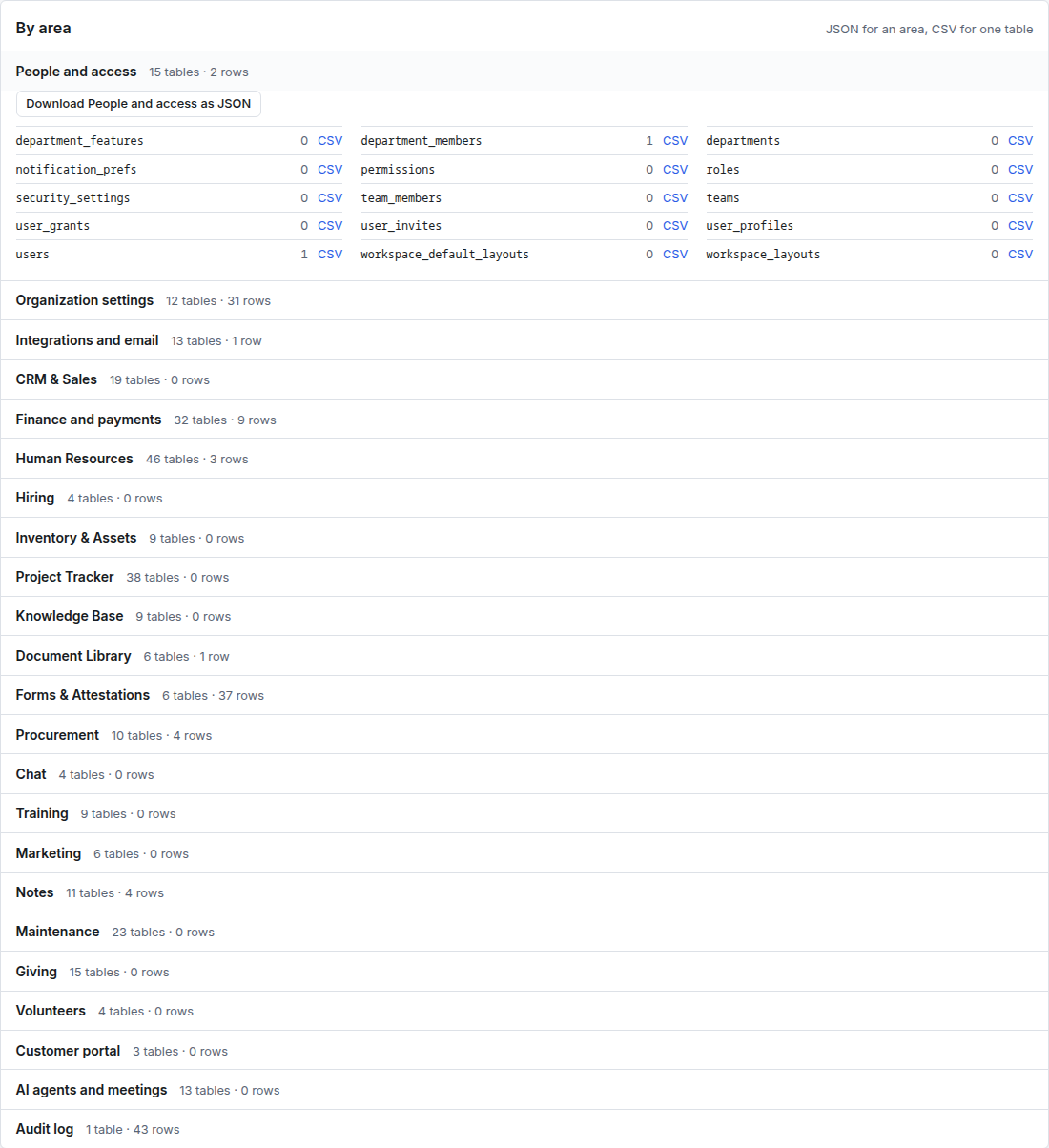
The row counts are estimates, and can be well off for small tables. The download itself always holds every row.
What an export leaves out
- File contents. Download those from the areas that hold them (the Document Library, for example).
- Secrets: encrypted keys and passwords, password and key hashes, two-factor secrets, sign-in sessions and one-time codes.
Retention
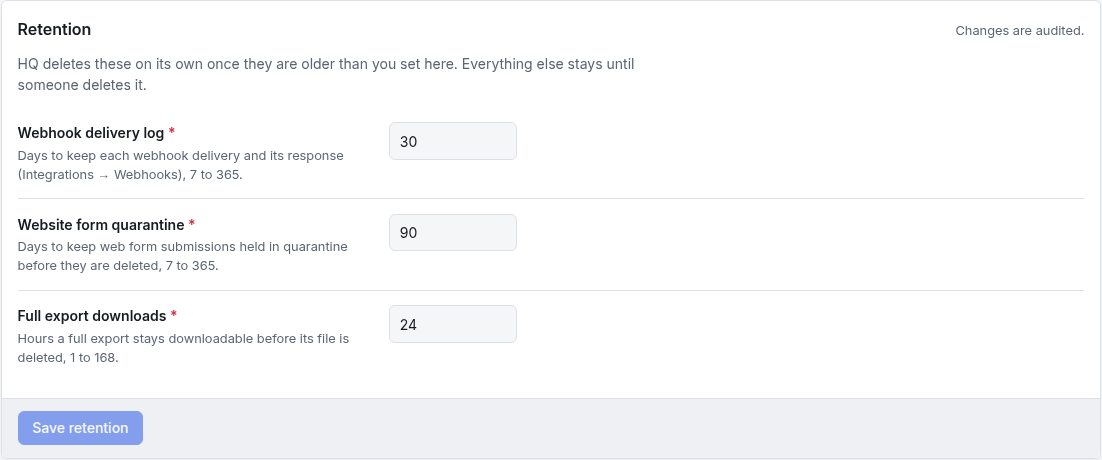
Three kinds of data are deleted automatically once they are older than you set here. Everything else (the audit log, records and files) is kept until someone deletes it.
| Setting | What it keeps | Range | Default |
|---|---|---|---|
| Webhook delivery log | Days to keep each webhook delivery and the app's answer | 7 to 365 days | 30 |
| Website form quarantine | Days to keep web-form submissions held by the spam check before they are deleted | 7 to 365 days | 90 |
| Full export downloads | Hours a full export stays downloadable before its file is deleted | 1 to 168 hours | 24 |
Change a number and click Save retention. Changes are recorded in the audit log.
Troubleshooting
Start a full export is greyed out. An export is already running. Wait for it to finish.
The Download button is gone. The export expired. Start a new one, or raise Full export downloads first.
Areas I never use are listed. Every area is listed, whether its module is on or off, so nothing is left out of your data.
The row count says 0 but I have records. The count is an estimate. Download the CSV to see the real rows.